


Google Maps leads inside Claude, Cursor & Codex

AI coding agents already draft email and automate ops—give them Maps lead extraction too. Same Online scrape-and-enrich pipeline, returned as JSON you can paste into a CRM or keep in the chat.

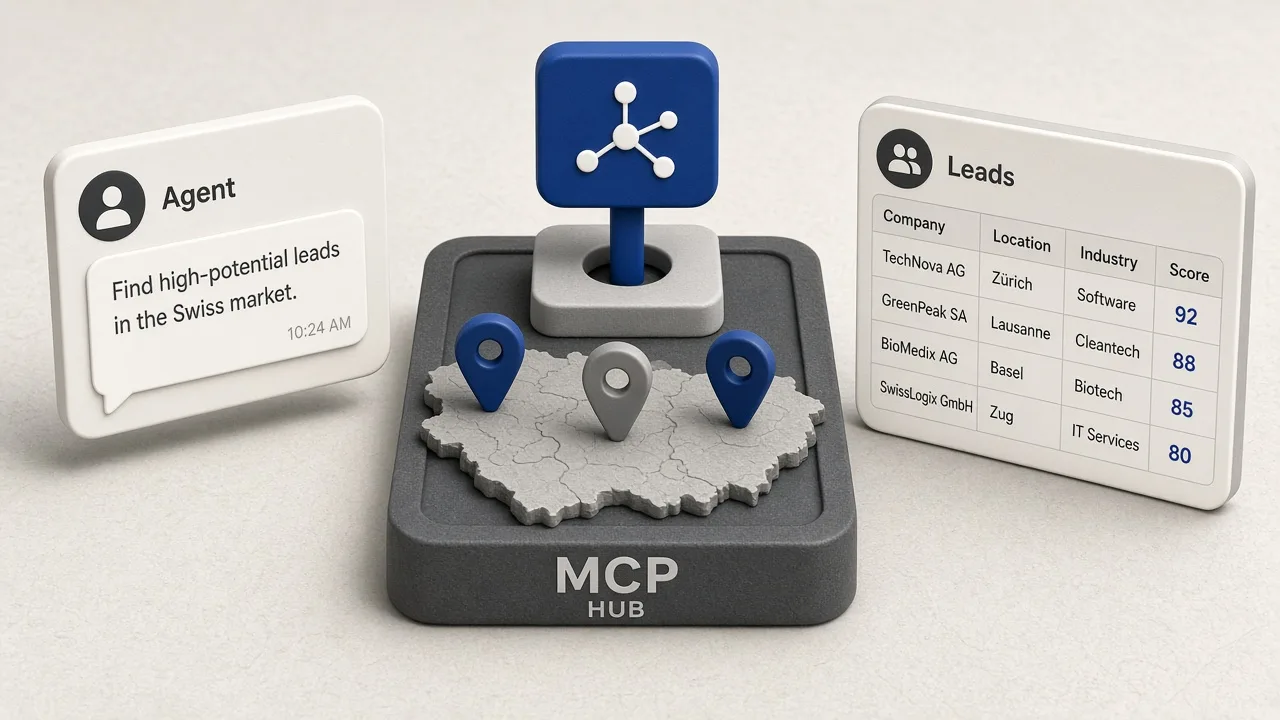
Agent chat turning a Maps keyword into structured business lead rows

What it is

Maps lead tools for the agents you already use

GMaps Lead Finder Agents is not another chatbot. It is a hosted Remote MCP layer (plus HTTP when you need raw endpoints) so Claude, Cursor, Codex, and other MCP clients can create keyword jobs and read place rows—phones, websites, and public emails/socials when enrichment finds them.

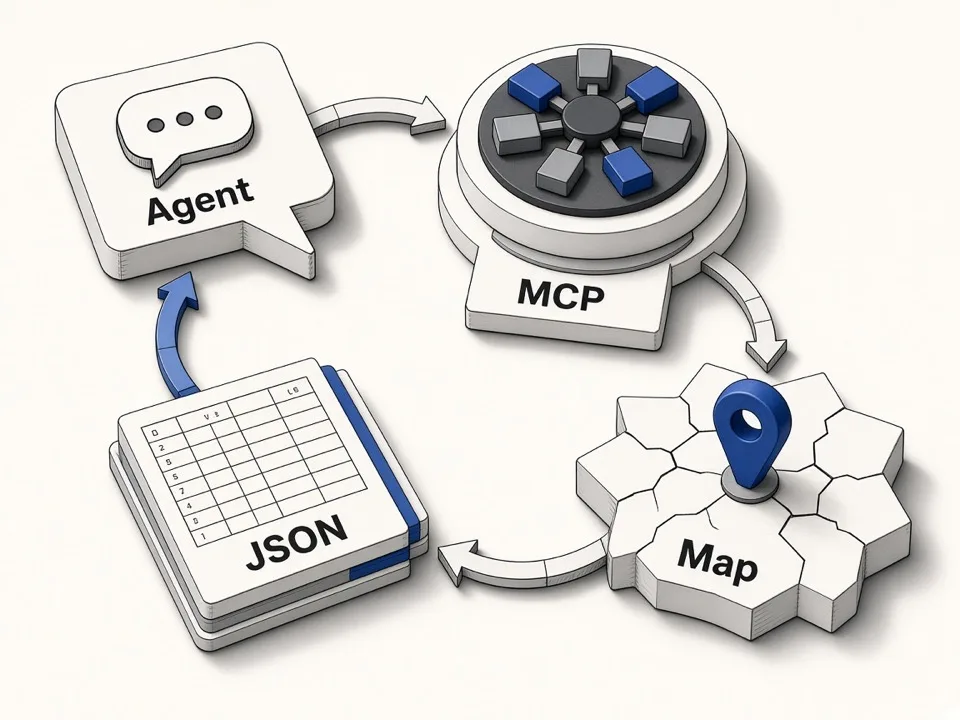
Diagram of MCP tools creating a job and returning JSON lead rows

Who it’s for

Built for people who live in AI agents

If your outreach or research already runs through Claude, Cursor, or Codex, keep lead pulls in the same loop instead of bouncing to a separate UI.

  • SDRs in Claude or Cursor

    Ask for a niche + city list, get Name / Phone / Website tables you can drop into sequences without leaving the agent.

  • Agencies running multi-city briefs

    Brief one keyword per client city in chat. Agents call the same pipeline while you stay in the IDE instead of babysitting zip downloads.

  • Builders automating with Codex

    Wire MCP or HTTP into autonomous loops: create a job, poll status, paginate JSON, then hand rows to your CRM script.

  • Lead ops that care about enrichment

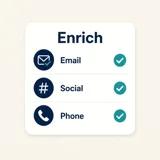
    When websites expose public contacts, email and social fields appear in the same result set—empty cells stay empty; we never invent addresses.

Why it matters

Stay in the agent loop

Maps leads should travel with your agent workflow—not force a switch to a browser form.

  • Natural language → structured rows

    Prompt a keyword and market; MCP returns markdown or JSON.

  • Same pipeline as the Online extractor

    Same credits, enrichment, and fields—agents are another entrance.

  • Honest contact coverage

    Only public emails and socials—we never invent outreach data.

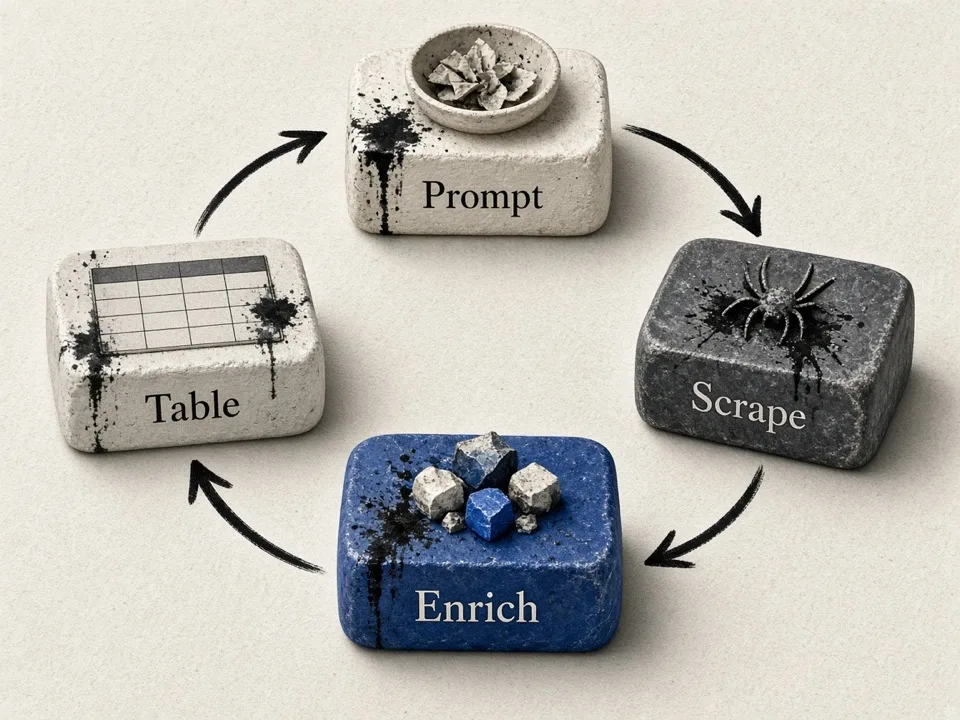
Workflow from natural-language prompt through scrape and enrich to a results table

How to connect in one copy-paste

Sign in so we can inject your personal gmf_ key. Copy the Claude, Cursor, or Codex snippet, paste it into the client, then prompt a job.

Sign in to generate a personal gmf_ key and personalize this install command.

Commands below use gmf_YOUR_API_KEY until your key is available. After sign-in, open Account → API key to copy your gmf_ key.

claude mcp add --transport http gmaps-finder https://gmapsleadfinder.com/mcp \
  --header "Authorization: Bearer gmf_YOUR_API_KEY"

What a connected session looks like

After MCP is installed, your agent plans the keyword, calls GMaps Lead Finder tools, and streams a compact lead table—demo below, no live API call. Tap a case chip to switch prompts and results.

Claude · GMaps Lead Finder

Loading chat demo…

Example prompts & results

Copy a prompt into your agent after MCP is connected. Sample tables show the shape your agent typically returns.

Local outreach list

Prompt

Find 50 dentists in Austin TX with phone and website. Use the GMaps Lead Finder tools, then reply with a markdown table of Name, Phone, Website.

Agent creates a job, polls until done, then returns a compact table you can paste into a CRM.

Sample agent result

| Name | Phone | Website |
| --- | --- | --- |
| Austin Smile Dental | (512) 555-0142 | austinsmile.example |
| Hill Country Orthodontics | (512) 555-0198 | hillortho.example |
| Barton Creek Family Dentistry | (512) 555-0110 | bartondental.example |
| Domain Pediatric Dentistry | (512) 555-0177 | domainkids.example |
| South Lamar Dental Studio | (512) 555-0133 | southlamar.example |

Agents vs the online extractor

Use the homepage when you want a UI, multi-keyword zips, and visual review. Use Agents when your workflow lives in an IDE or autonomous loop. Both run the same scrape-and-enrich pipeline.

Agents FAQ

Ready to connect your agent?

Sign in for a personal key, pick an agent-capable Online plan, or read the handbook for HTTP details.