
Place ID / CID
Google Maps CID Converter & Place ID Finder
Paste a Google Maps place URL to extract Place ID, CID, ludocid, hex feature IDs, and review links. This free CID converter and Place ID finder needs no API key—ideal for local SEO, review collection, and API lookups.
Already on Google Maps? Install Place ID Finder — one click, no URL digging.
CID ↔ hex converter
Convert without a Maps URL.
Place IDs are buried in Maps URLs and page source
Local SEO tools, Places API calls, CRM syncs, and Google review links all need a stable Place ID or CID. Digging through share links, inspecting network calls, or hunting ludocid parameters wastes time—especially when you convert IDs all day for client onboarding. A Google Maps Place ID finder and CID converter collapses that into one paste so agencies, SEOs, and developers stop losing minutes on every listing. When review campaigns stall on broken links, or API prototypes fail because someone pasted a search URL instead of a place URL, the cost is not just friction—it is delayed launches and duplicate CRM records.
What Place ID and CID unlock
Place ID is Google’s canonical string for a listing. CID (and hex pairs) appear in older Maps links and review URLs. Understanding both helps you move between Maps, APIs, and review collection without broken references. This guide walks through why each identifier matters and how a no-key converter fits everyday SEO and outreach work alongside heavier Places API pipelines.
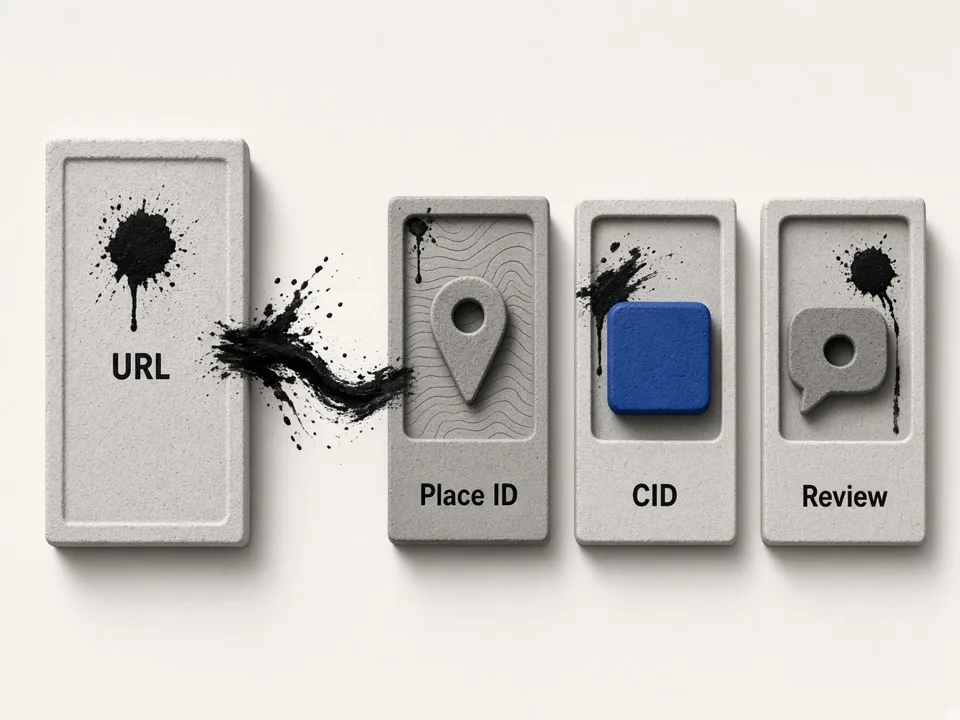
Place ID for APIs and data hygiene
When you call Places endpoints or dedupe lead databases, Place ID is the durable key. Extracting it from a share URL avoids naming collisions when two businesses share similar titles in the same city. Teams that store only business name and address rediscover the same listing under slight spelling changes; Place ID keeps enrichment, notes, and opportunity history attached to one entity across tools.
CID for review and legacy links
Decimal CID and hex feature IDs still power writereview links and some Maps deep links. Converting both formats in one pass keeps review campaigns and QR codes accurate. If a client sends an old bookmark or a short link that resolves to a CID-based URL, having hex pairs on hand also helps support and QA teams confirm they are looking at the same place the customer meant.
No API key for everyday conversion
Operators who only need IDs from URLs should not stand up billing accounts just to decode a paste. This converter focuses on URL-derived identifiers for day-to-day SEO and outreach work. Reserve the Places API for search, details enrichment, and automated pipelines—then use this Place ID finder when a human already has the Maps link in hand and simply needs clean outputs.
From Maps URL to review-ready outputs
Paste once, copy the fields you need, and move on to review asks, CRM fields, or API tests. The converter is meant to sit between “I have a Maps URL” and “I need a stable identifier,” not to replace bulk scraping. Pair it with keyword grids when you still need discovery, and with enrichment tools when the goal is contact data rather than IDs.
Place ID copy
Grab the canonical Place ID for Places API lookups and lead deduplication.
CID & hex pairs
Capture decimal CID and hex feature IDs used in legacy Maps and review URLs.
Writereview link
Generate a review URL you can share or turn into a QR for storefront collection.
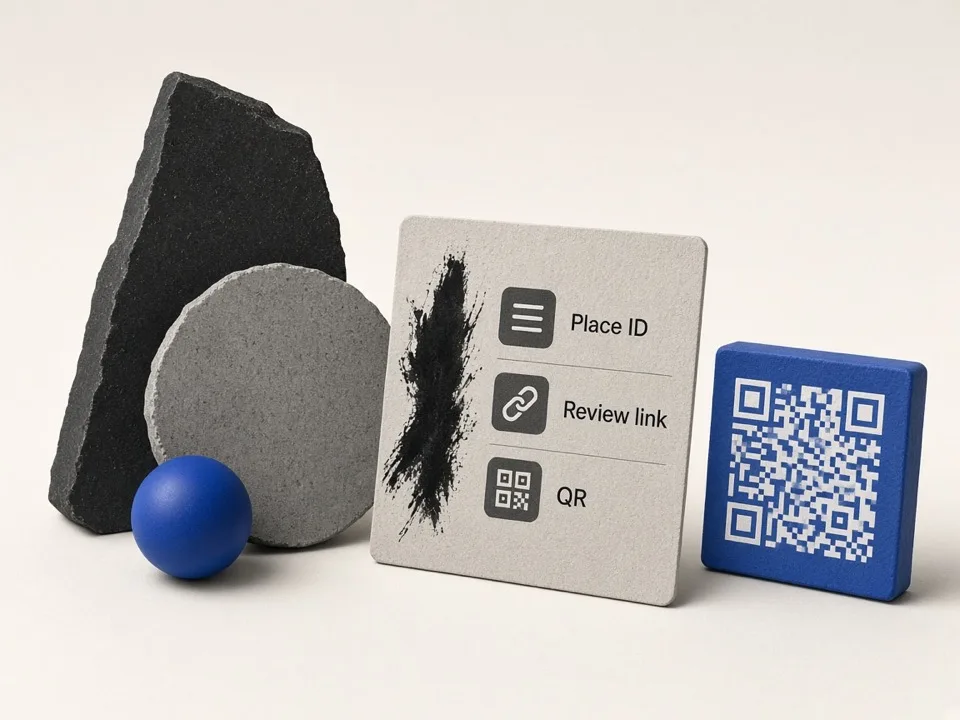
When to paste vs call the Places API
Use this Place ID finder for URL conversion. Use the API when you need search, details enrichment, or automated pipelines at scale. Keeping those lanes separate prevents teams from either over-engineering a paste task or under-engineering a bulk discovery problem.
Valid place URLs only
Open the listing, copy the place URL or share link—search result pages may not expose IDs.
Verify before campaigns
Spot-check writereview links on mobile before printing QR codes for clients.
Automate elsewhere
For bulk discovery, scrape leads first, then convert IDs only where review or API steps need them.
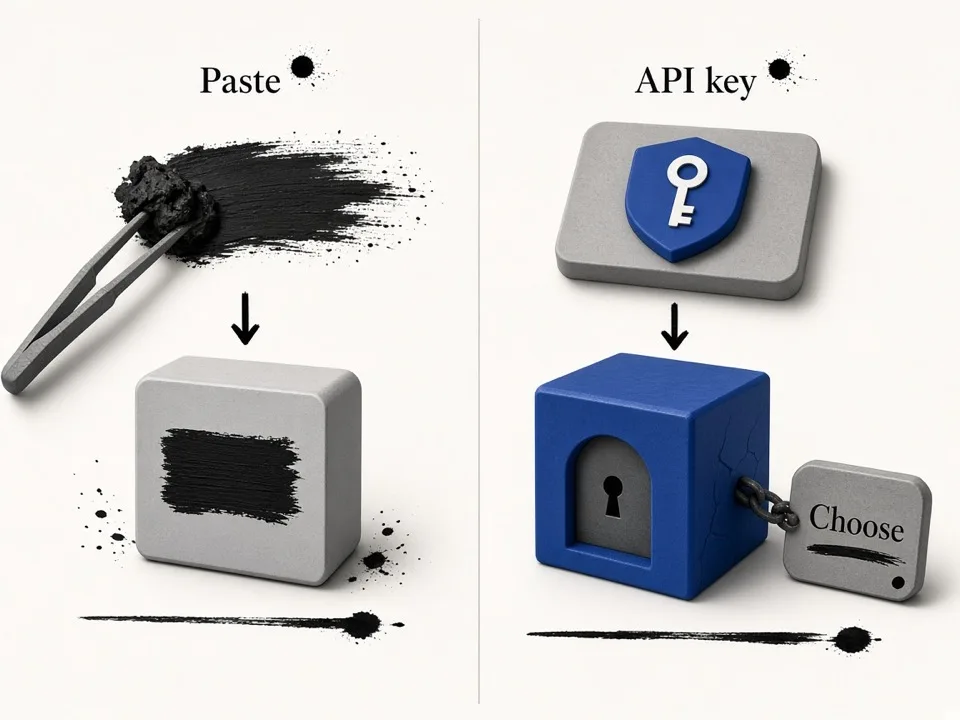
Who it's for
Local SEO specialists
Pull Place IDs and CIDs for audits, citations, and review link setup without wrestling Maps source.
Agency operators
Convert client Maps URLs into review links and CRM IDs during onboarding calls.
Developers & data teams
Decode share links into Place ID / CID quickly while prototyping Places API flows.
Use cases
Review collection
Generate a writereview link from any Maps listing and share it with customers or print a QR.
CRM & API hygiene
Store Place ID as the stable key so renamed listings do not spawn duplicate accounts.
Support & QA
Confirm CID/hex pairs when a client sends a broken short link or old Maps URL.
How it works
01
Paste the Maps URL
Drop a Google Maps place or share URL into the converter field.
02
Extract identifiers
Read Place ID, CID, hex IDs, and related fields from the parse result.
03
Copy what you need
Copy Place ID, CID, or the writereview link into your tool, CRM, or message.
What you get
- Free Google Maps Place ID finder with no API key
- CID and hex feature pair extraction in one pass
- Writereview link generation for review campaigns
- Fast paste workflow for SEO, agencies, and developers
FAQ
Related free tools
DMS to Decimal Degrees Converter
Convert lat long and degrees-minutes-seconds to decimal degrees for Maps, CSV, and GIS.
Learn moreLat Long to DMS Converter
Convert decimal latitude and longitude to degrees minutes seconds (DMS).
Learn moreBulk Keyword Generator
Free niche × city keyword grids from GBP categories for Google Maps lead scraping.
Learn moreBatch-scrape Google Maps leads next
Paste keyword grids, enrich emails & socials, and export CRM-ready CSV zip with GMaps Lead Finder.