
GMaps Lead Finder
Google Maps Extractor
An Online Google Maps Extractor that turns keyword searches into structured leads—phones, websites, and public emails & socials—then exports CSV, Excel, or JSON for CRM and outreach.
- Cloud keyword batches
- CSV, Excel & JSON
- Public emails & socials
What is an Online Google Maps Extractor?
An Online Google Maps Extractor runs cloud keyword jobs against public Maps results, builds place rows (name, phone, website, IDs), adds public emails and socials when the business site publishes them, and lets you download CSV, Excel (.xlsx), or JSON—plus a zip of per-keyword CSVs. Empty contact cells mean nothing public was found.
Pick a surface
Online Extractor vs Chrome vs Agents
Same product family, different jobs: cloud keyword batches here, browse-while-extract in Chrome, or one-keyword automation via MCP/HTTP.
Online Google Maps Extractor
Paste keyword lists, enrich in the cloud, reopen jobs from your Lead list, export CSV / Excel / JSON.
Run on this pageChrome Google Maps Extractor
Extract while you browse Maps—lists, reviews, photos—with separate extension quotas.
Open Chrome pageAgents / MCP & API
Growth+: create one-keyword jobs from Claude, Cursor, Codex, or HTTP and get JSON rows.
Open Agents
Cloud batches
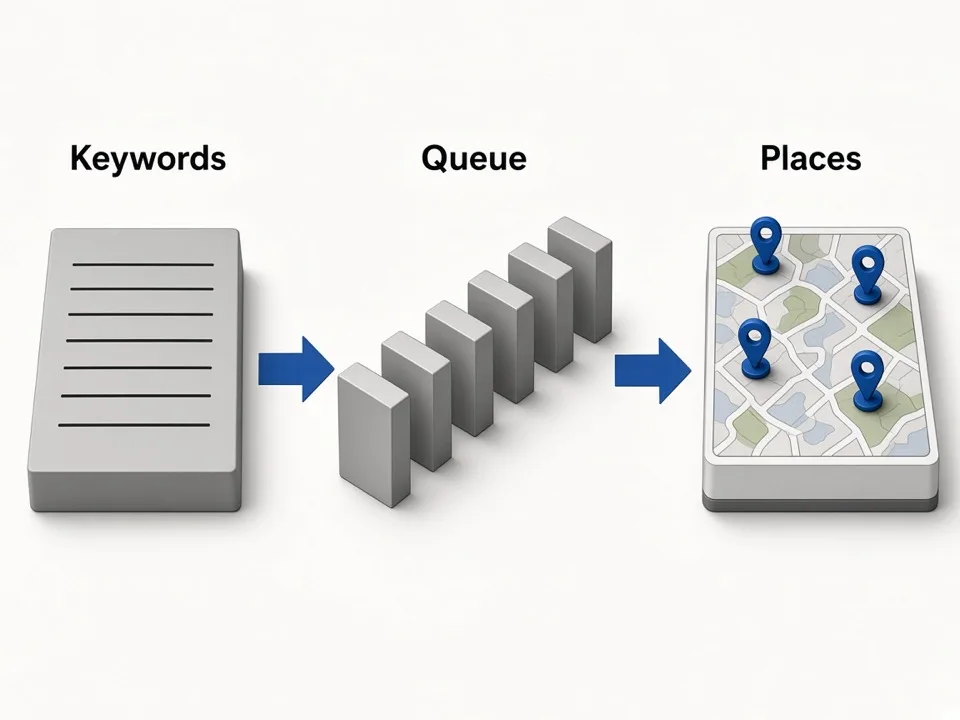
Queue keywords—one cloud job at a time
Paste city × niche lines and let the Online Extractor paginate each query. Plans cap keywords per job; Maps, reviews, and photos share one in-flight job so you finish before starting the next.
Multi-keyword paste
One keyword per line—territory grids without hand-copying Maps.
Shared job lock
One running job per account across leads, reviews, and photos.
Lead list memory
Signed-in jobs stay reopenable so you can re-download later.
Public contacts
Enrich only what the site already publishes
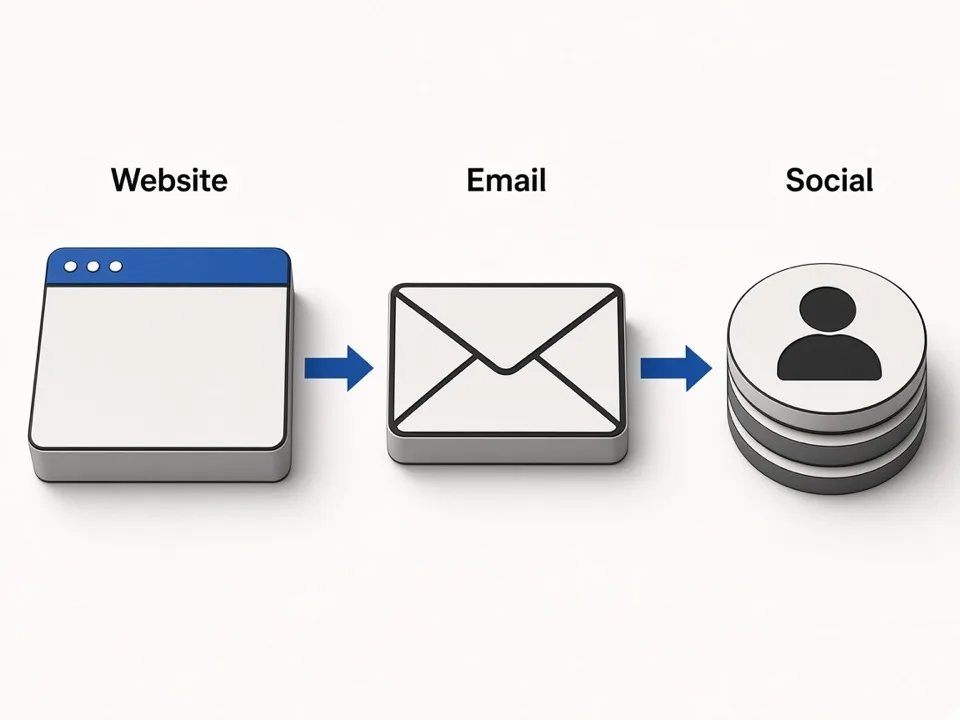
After place rows land, we scan the business website for public emails and social URLs. We do not invent contacts—empty Emails or Social cells are honest gaps, not filler.
Site-based discovery
Contacts come from the listing’s website when it is public.
Socials on the same row
Facebook, Instagram, LinkedIn, YouTube, TikTok, X when linked.
Compliance-minded empty cells
Public data alone is not automatic GDPR clearance—check Privacy and your counsel.
Flexible exports
Download CSV, Excel, or JSON—your choice
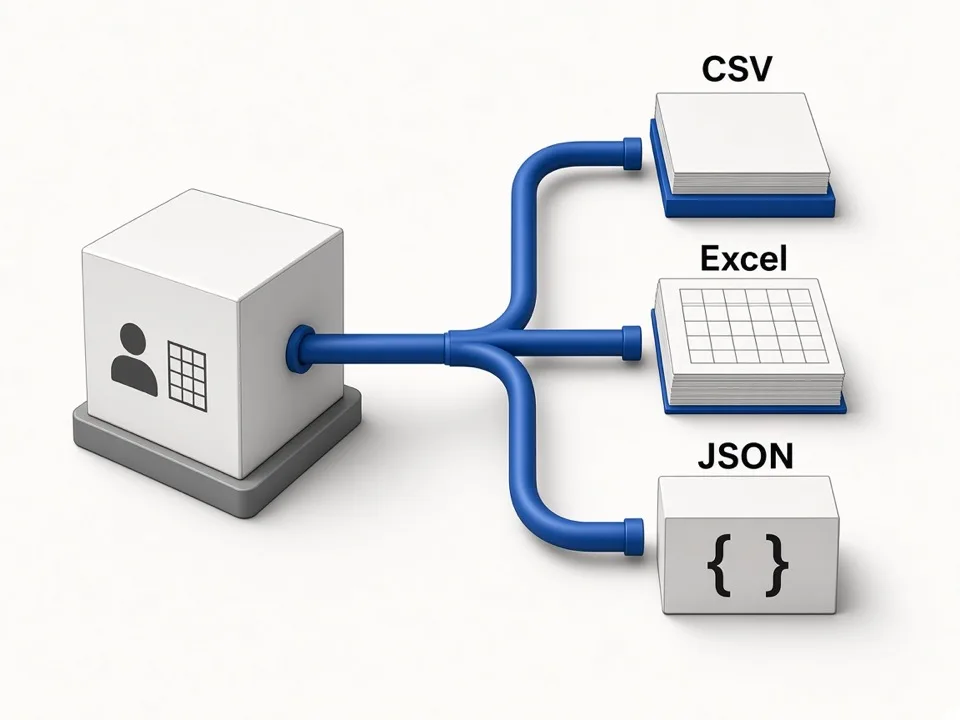
From the Lead list, pick CSV, Excel (.xlsx), or JSON per keyword file. Need the whole batch? Grab the job zip (CSV files inside). Toggle which columns appear under Account so CRM imports stay lean.
Three formats
CSV for Sheets, Excel for ops, JSON for scripts.
Column preferences
Choose export columns once; previews and downloads follow them.
Per-keyword files + zip
Keep city × niche splits, or download the full job zip.
What you can export
Core lead columns for outreach—full field encyclopedia stays on the homepage and CSV guide.
Name & address
Business name plus street / city parts for filtering.
Phone & website
Public phones and homepage when Maps lists them.
Emails & socials
Public contacts from the site—empty if none found.
Rating & categories
GMB categories, average rating, review count.
Place Id / Cid / Fid
Stable IDs for dedupe—see the [glossary](/glossary).
Maps URL & coords
Deep link, lat/lng, hours when available.
Search keyword
Which query produced the row in multi-keyword jobs.
Format & columns
CSV / Excel / JSON plus Account column toggles.
See all export fields or Google Maps to CSV.
When Online Extractor is the right surface
Choose cloud batches when you are not sitting inside Maps—and need exports ops can reopen.
Agency territory grids
Paste niche × city lists overnight; pull CSV or Excel in the morning without babysitting a Maps tab.
SDR weekly refreshes
Re-run keyword sets, reopen the Lead list, and re-download JSON or CSV when CRM columns change.
Local SEO prospect packs
Build outreach-ready packs with phones, sites, and public emails—then hand Excel to clients.
Related tools
Pair Online Extractor with CSV docs, enrichment, reviews, photos, agents, and Chrome.
Google Maps Scraper (home)
Brand hub—Scraper overview, pricing teaser, and full field table.
Open homepageFAQ
Run your first Online Google Maps Extractor job
Paste keywords above, preview places, then export CSV, Excel, or JSON when you sign in on a paid plan.