
DMS → DD
Convert Lat Long & DMS to Decimal Degrees
Paste degrees-minutes-seconds or mixed lat/long formats and get clean decimal degrees instantly. This free DMS to DD converter is built for Maps pins, lead CSVs, and GIS handoffs—no API key and no upload.
Accepts ° ' " symbols, spaced DMS, or decimal pairs.
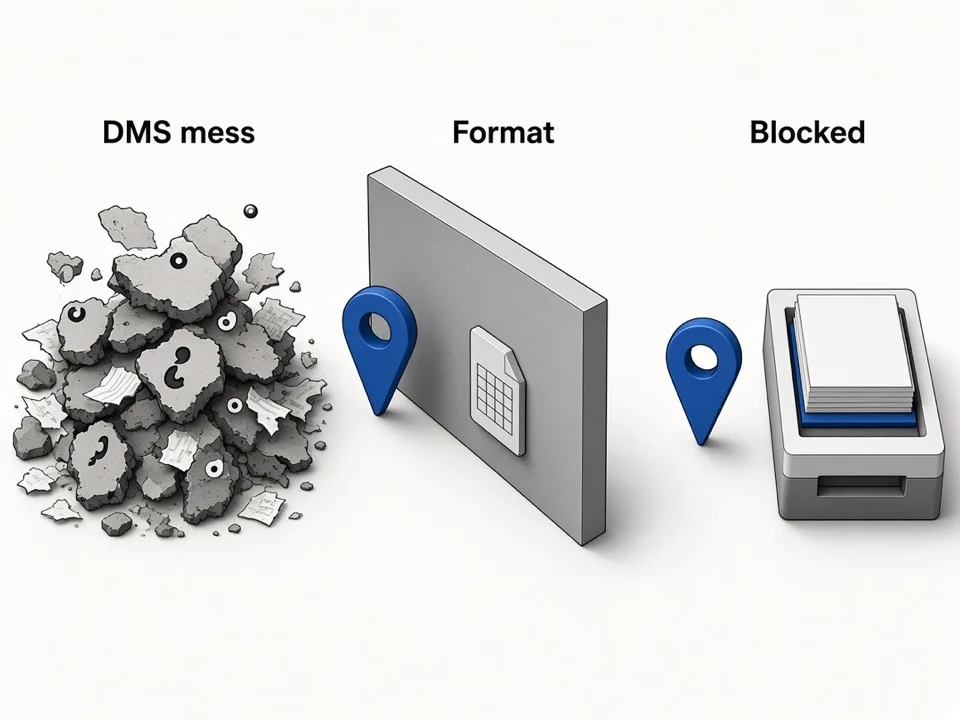
DMS and “lat long” strings stall Maps and spreadsheet work
Survey notes, printed maps, and older GIS exports still ship coordinates as degrees minutes seconds. Spreadsheets and Google Maps want decimal degrees. Manually converting 40°42'46"N into 40.712778 burns time and invites transcription errors—especially when you need dozens of pins for a route, territory, or lead list. A DMS to decimal degrees converter collapses that into one paste so ops and GIS teams stop babysitting formats.
How DMS to decimal degrees should work
Treat conversion as a short pipeline: paste the source string, validate latitude and longitude ranges, then copy a decimal pair ready for Maps or CSV. The same tool also normalizes “convert lat long to decimal” inputs that are already half-decimal, half-DMS.
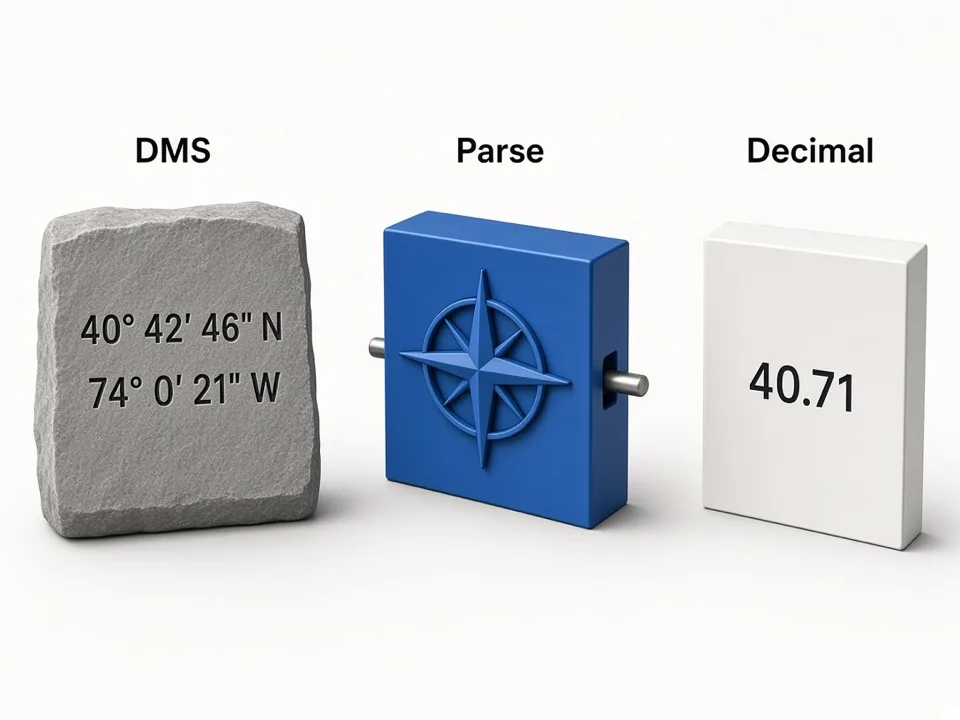
Accept real-world DMS variants
Support symbols (° ' "), spaced numbers, and N/S E/W hemispheres so pasted survey text does not need cleanup first.
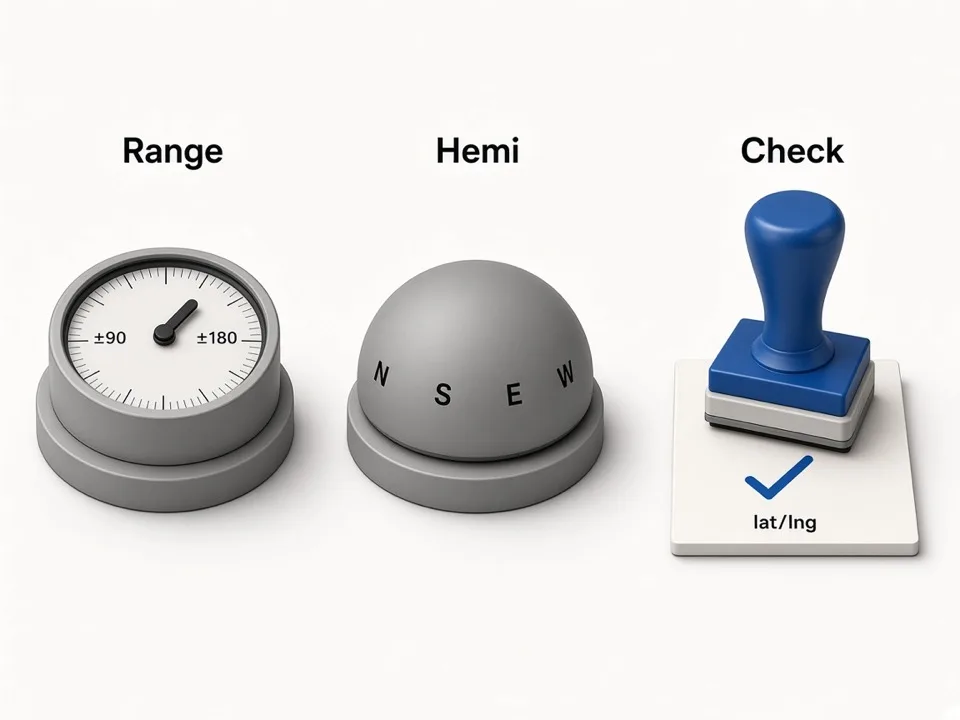
Validate before you trust the pin
Latitude must stay within ±90 and longitude within ±180. Out-of-range values should fail loudly instead of dropping a wrong pin on the map.
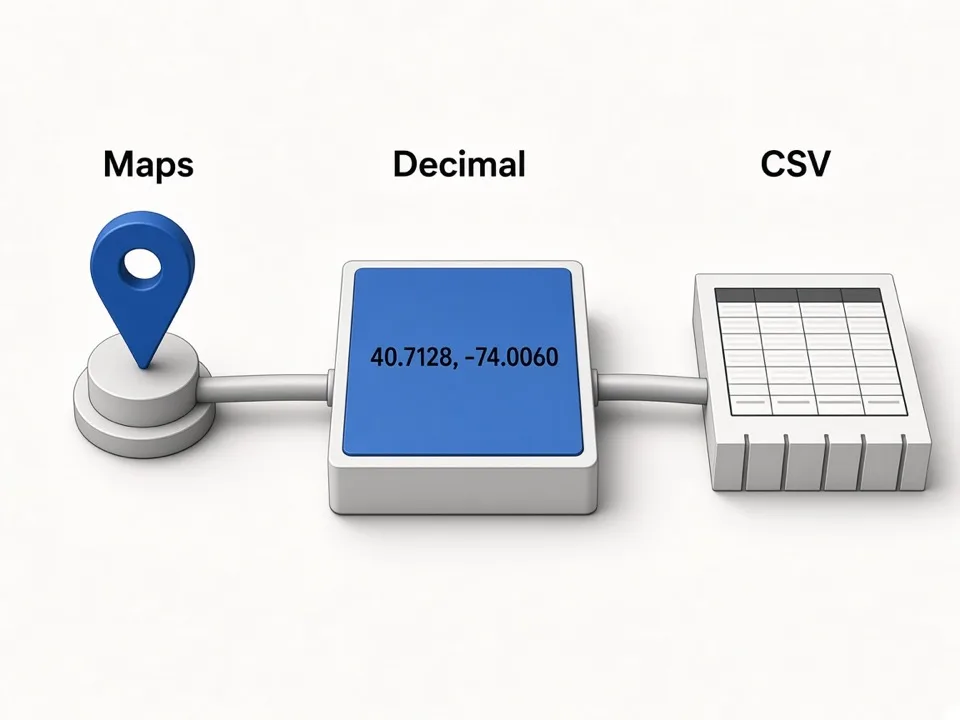
Copy decimal pairs into Maps and CSV
Output a stable lat, lng string plus a Google Maps deep link so you can spot-check the place before enriching leads.
From decimal pins to Google Maps leads
Decimal coordinates are the bridge between field notes and lead ops. Once pins are clean, you can verify listings on Maps, store lat/lng on CSV rows, and move into Place ID or enrichment workflows.
Maps verification
Open the decimal pair in Google Maps to confirm the location before outreach.
CSV columns
Keep Latitude and Longitude as decimals so scrapers, CRMs, and GIS tools agree.
Flip to DMS when needed
Need degrees minutes seconds for a report? Use the sister lat long to DMS converter.
Keep DMS → DD conversions scrape-safe
Format mistakes are more common than math mistakes. Use these checks before you batch pins into a lead job.
Watch hemisphere letters
Missing W or S flips you to the wrong ocean. Prefer explicit N/S E/W over bare negatives when pasting DMS.
One pair per paste
Convert point-by-point for QA, then store decimals in your sheet for bulk work.
Round for display, keep precision for GIS
Six decimal places is enough for most Maps pins; keep more only when your GIS workflow requires it.
Who it's for
GIS & mapping operators
Turn survey DMS into decimals for GIS layers and Google Maps verification.
Lead ops & SDRs
Normalize lat/long columns before territory routing or CSV imports.
Local SEO & agencies
Convert client-supplied coordinates without standing up a GIS desktop.
Use cases
Convert lat long to decimal
Paste mixed or DMS lat/long and copy a clean decimal pair for Maps.
DMS to DD for CSV
Fill Latitude/Longitude columns so lead exports stay tool-compatible.
Field note cleanup
Decode handwritten or printed DMS from site surveys into decimals.
How it works
01
Paste DMS or lat long
Drop a degrees-minutes-seconds string or coordinate pair into the converter.
02
Get decimal degrees
Read the decimal lat/lng output and optional Maps link.
03
Copy into your workflow
Paste decimals into Sheets, GIS, or a Google Maps lead CSV.
What you get
- Free DMS to decimal degrees converter in the browser
- Handles classic DMS symbols and spaced formats
- Range validation for latitude and longitude
- One-click Maps link to verify the pin
FAQ
Related free tools
Lat Long to DMS Converter
Convert decimal latitude and longitude to degrees minutes seconds (DMS).
Learn morePlace ID & CID Converter
Paste a Google Maps URL to extract Place ID, CID, hex IDs, and review links.
Learn moreMerge CSV Files Online
Combine multiple CSV files into one—align headers and download a merged sheet in the browser.
Learn moreBatch-scrape Google Maps leads next
Paste keyword grids, enrich emails & socials, and export CRM-ready CSV zip with GMaps Lead Finder.