
GMaps Lead Finder
Google Maps Photos Extractor
Paste a place URL, short link, business_id, or Place ID to scrape Google Maps photo URLs into CSV—built for content, marketing, and competitor visuals.
Google Maps photos scrape is available on Starter plans and above.
How Google Maps photo export works
Three steps from a place identifier to spreadsheet-ready photo URLs.
01
Paste a place
Use a Maps place URL, share short link (maps.app.goo.gl), business_id, or Place ID (ChIJ…). One place per job.
02
Scrape the gallery
We collect merchant photo URLs, upgrade to hi-res where possible, and dedupe.
03
Download CSV
Export URLs for asset libraries or briefs—1 credit per unique photo URL.
Who uses a Google Maps photos scraper
Teams that need gallery URLs at scale—not manual right-click saves.
Creative libraries
Seed moodboards and brand audits with real place photography.
Landing-page visuals
Pull competitor or client place photos into briefs and wireframes.
Competitor visual research
Compare how nearby businesses present interiors, menus, and storefronts.
Gallery scrape
Merchant photos as structured rows
Each CSV row is a photo URL you can open, download, or pipe into your DAM—not a zip of mystery binaries.
Gallery coverage
Walk the place photo grid instead of saving one image at a time.
Stable columns
Export headers follow your Photos preferences for repeat jobs.
Place ID friendly
Start from ChIJ Place IDs when you already store Google IDs.
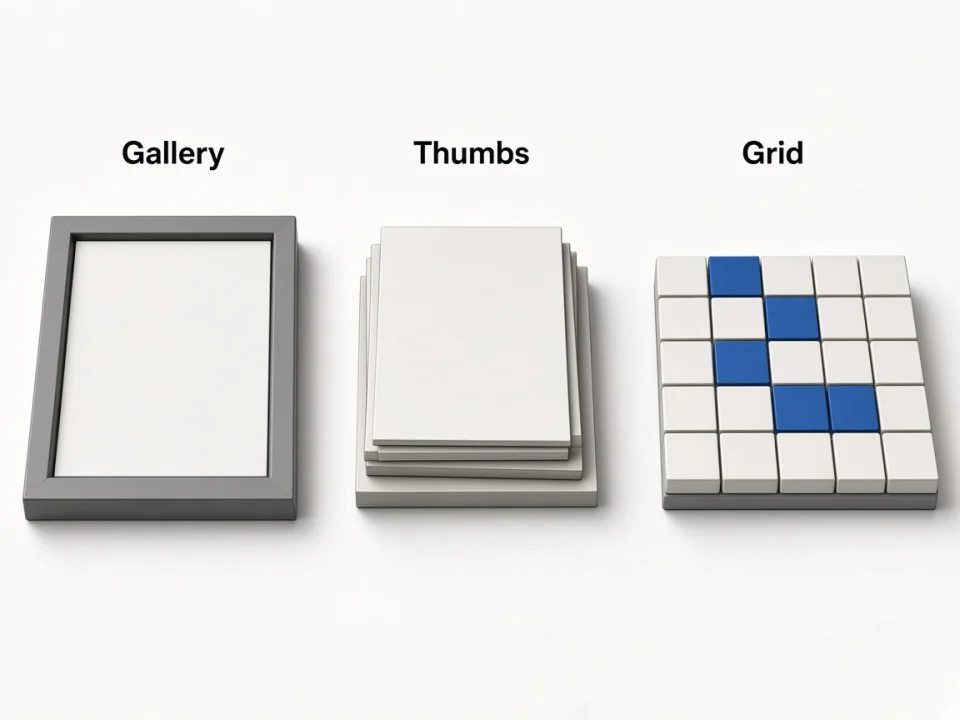
Hi-res URLs
Thumbs upgraded for creative work
We prefer usable high-resolution Maps photo URLs so designers are not stuck with tiny previews.
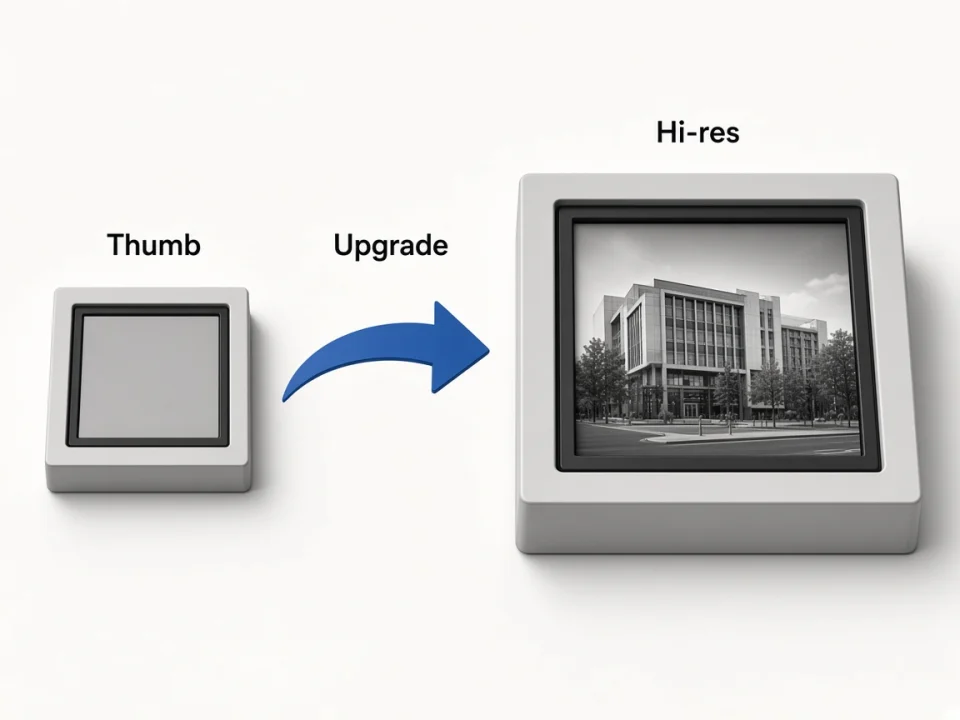
Thumb → hi-res
Upgrade Google photo URLs toward larger sizes when available.
Direct links
Open or fetch URLs without reopening the Maps UI.
Research-ready
Hand links to freelancers or QA without sharing a Maps session.
Credits & dedup
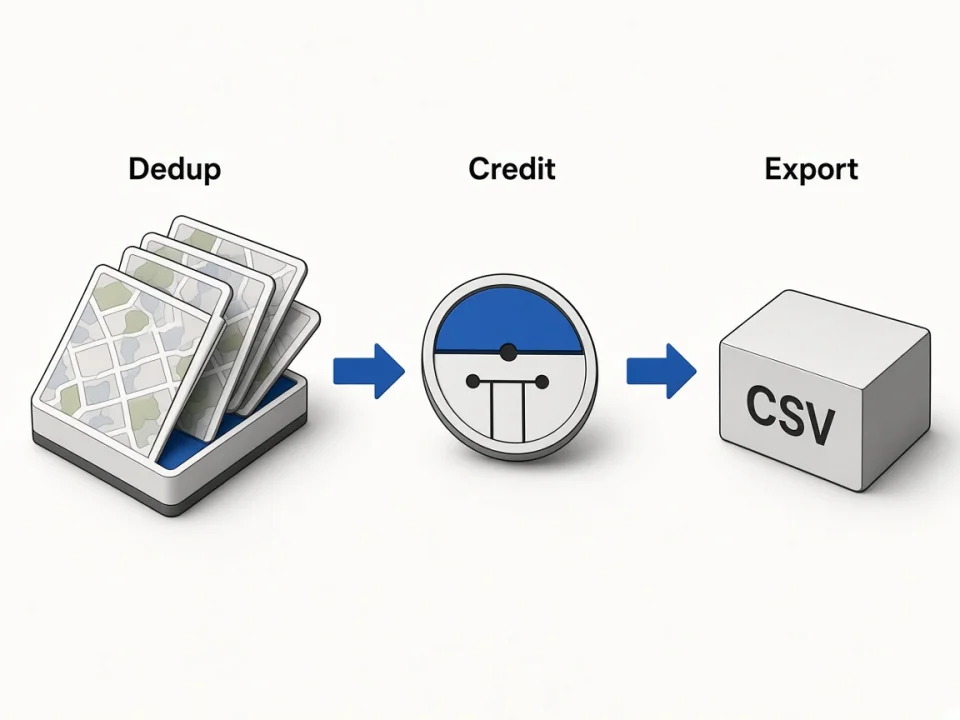
Pay once per unique photo URL
Duplicates are collapsed before billing. Maps, reviews, and photos still share one running job—run places sequentially.
Dedup first
Identical URLs do not burn extra credits.
1 credit = 1 URL
Same monthly pool as leads and reviews.
Export when done
Download CSV on completed or partial jobs.
Choose your surface
Online photos vs Agents vs Chrome
Unlocks Online photos. Growth+ adds Agent/MCP. Use Chrome when you are already on a place gallery.
Related tools
Pair photos with leads, reviews, CSV, and agent workflows.
Online Google Maps Extractor
Keyword → places with phones, websites, emails & socials.
Open Online ExtractorFAQ
Scrape your first Google Maps photos CSV
Paste a place above, download photo URLs—or connect Agents on Growth+.