
Email Peek
Website Email Finder & Social Peek
Paste one business website to find public emails and social profiles. This website email finder uses the same enrichment approach as paid scrapes—ideal for spot checks before you enrich a full list.
Public contacts only. We never invent emails.
Leads without emails stall cold outreach
A Maps scrape can return strong phone and website fields while email stays empty. Manually opening every site hunting contact pages does not scale, and guessing address patterns creates bounces that hurt domains. A website email finder peeks public pages for emails and socials so you can validate enrichment quality on a sample—or fill a priority account—before buying broader enrichment. It is the honest middle ground between doing nothing and inventing contacts.

How public website email finding works
Public enrichment looks for emails and social links that already appear on the business site. It is not inbox guessing. That honesty keeps deliverability healthier and sets clear expectations versus paid discovery products. Use peeks for QA and priority fills; use bulk scrape enrichment when you need hundreds of sites processed the same way.

Start from a real website URL
Use the business homepage or a clear site root from your lead row. Broken or parking pages will not yield contacts—and that itself is a useful signal that the lead may be low quality or outdated. Prefer https URLs from your scrape export rather than typed guesses.
Emails that are already published
Contact pages, footers, and about pages often expose mailto links or plaintext addresses. Capturing those is faster than guessing patterns that bounce. When multiple emails appear, pick the one that matches your motion—sales@ or info@ for general outreach, or a named role if present.
Social profiles as secondary channels
When email is sparse, public LinkedIn, Instagram, Facebook, or similar links still support multi-channel outreach and brand checks. Social peeks also help verify you are looking at the correct business when names collide in a city.
What you get from one peek
Spot-check enrichment the same way production scrapes do—on a single URL—before you commit credits to thousands of rows. If sample peeks rarely find email in a niche, adjust expectations or budget before promising email-rich deliverables to a client.
Public emails
Collect addresses exposed on the site for outreach or CRM fill.
Social links
Capture profiles that support social selling or verification.
Same approach as paid scrapes
Validate enrichment behavior on samples before bulk Google Maps jobs.

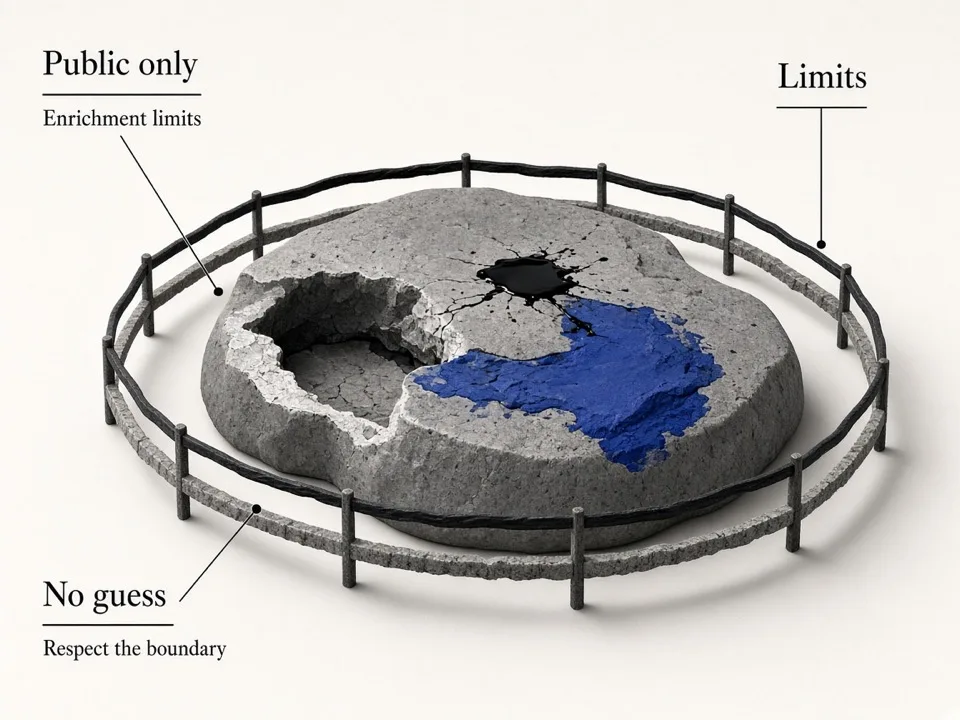
Know the limits of public peek
Not every business publishes an email. Treat empty results as a data signal, not a tool failure. Combine peeks with gap analysis so you only spend time on rows that still need contacts.
Public-only by design
This finder does not invent addresses. Prefer published contacts for safer sending.
Sample before bulk
Peek 10–20 priority sites to estimate enrichment yield on a niche.
Combine with gap analysis
Score your CSV first, then peek websites on the rows missing email.
Who it's for
SDRs qualifying accounts
Fill a missing email on a high-intent lead without waiting for a full enrichment batch. Keep momentum on strategic accounts while ops runs broader jobs in the background.
Agencies QA-ing scrapes
Spot-check whether website enrichment will yield contacts for a niche before client delivery. Ten peeks can save you from over-promising email coverage on a category that rarely publishes addresses.
Founders & solo operators
Grab public emails from a short target list without standing up a full scrape pipeline. Ideal for founders validating a niche before investing in bulk Google Maps jobs.
Use cases
Priority account fill
When one strategic lead lacks email, peek the website and update the CRM row immediately.
Enrichment yield tests
Sample websites from a niche to estimate how often public emails appear before buying credits.
Social verification
Confirm brand presence and find alternate channels when email is absent.
How it works
01
Paste the website
Enter the business URL from your lead list or Maps export.
02
Run peek
Scan public pages for emails and social profile links.
03
Copy results
Save contacts into your CRM, sheet, or sequencer and move on.
What you get
- Free website email finder for public contacts
- Social profile discovery alongside emails
- Same enrichment approach as paid Maps scrapes
- Fast spot checks before bulk enrichment spend
FAQ
Related free tools
Free Email Verifier
Check one email for syntax, MX records, disposable domains, free providers, and role accounts—no SMTP, no guessing.
Learn moreLead Enrichment Gap Analyzer
Upload a lead CSV and score outreach-ready coverage for phone, website, email, and socials.
Learn moreBulk Email Verifier
Verify emails at once for syntax, MX, disposable, free, and role flags—clean lists before outreach.
Learn moreBatch-scrape Google Maps leads next
Paste keyword grids, enrich emails & socials, and export CRM-ready CSV zip with GMaps Lead Finder.