
Merge CSV
Merge CSV Files Online
Combine multiple CSV files into one spreadsheet without Excel macros. This free CSV merge tool aligns headers, stacks rows, and downloads a merged file entirely in your browser—ideal for joining Google Maps lead exports.
Drop CSV files here
Merge happens in your browser. Nothing is uploaded to our servers.
Lead exports fragment across cities and batches
Keyword grids and multi-city scrapes produce many CSVs. Pasting them together in Excel breaks quotes, duplicates headers, and silently drops columns. Teams then spend an afternoon “just combining files” before enrichment or outreach can start. An online merge CSV workflow stacks files safely so you keep moving toward contact-ready lists.

How a CSV merger should behave
Upload two or more CSVs, preview the combined shape, then download one file. Header alignment matters more than fancy joins for lead ops—vertical merge first, enrich later.

Stack rows, keep the first header as truth
Use the first file’s columns as the master list. Later files map matching headers and leave gaps empty when a column is missing.
Append unexpected columns instead of dropping them
If a later export adds Emails or Socials, keep those columns rather than throwing data away.
Stay local for privacy
Parsing and merging happen in the browser so lead CSVs do not need to hit a third-party upload inbox.
From merged CSV to outreach-ready leads
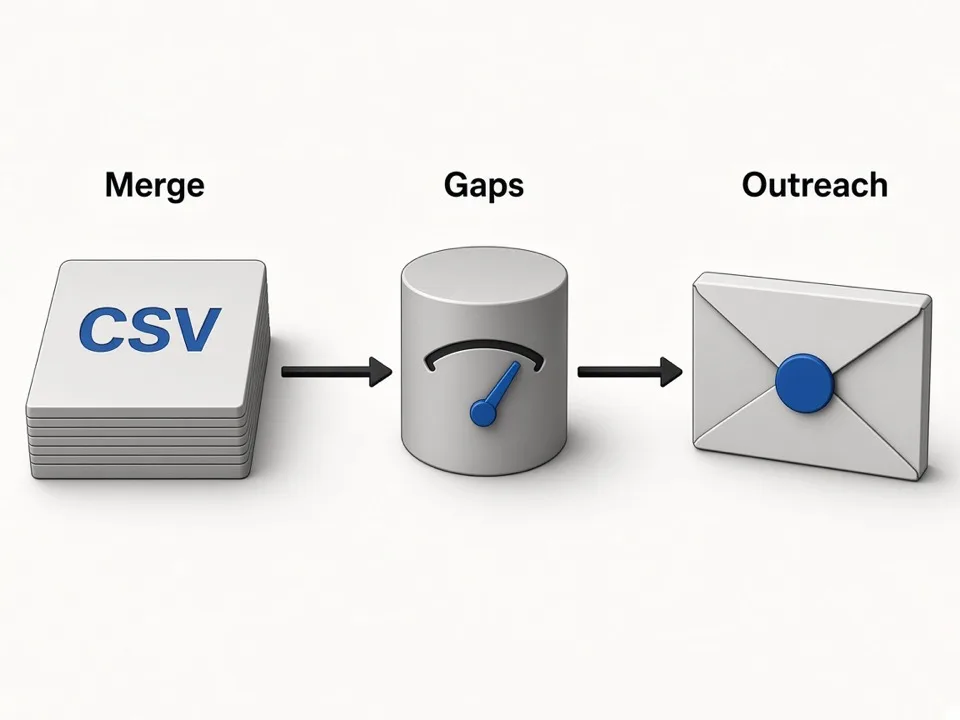
Merging is the glue between scrape batches and enrichment. Once you have one file, score gaps and peek websites on the thin rows.
Gap analyzer next
Score phone, website, email, and social coverage on the merged sheet.
Keyword grids upstream
Generate city × niche keywords, scrape in batches, then merge the exports here.
One CRM import
Import a single CSV instead of juggling ten territory files.
Combine CSV files without silent data loss
Most merge bugs are header mismatches, not math. Check these before you download.
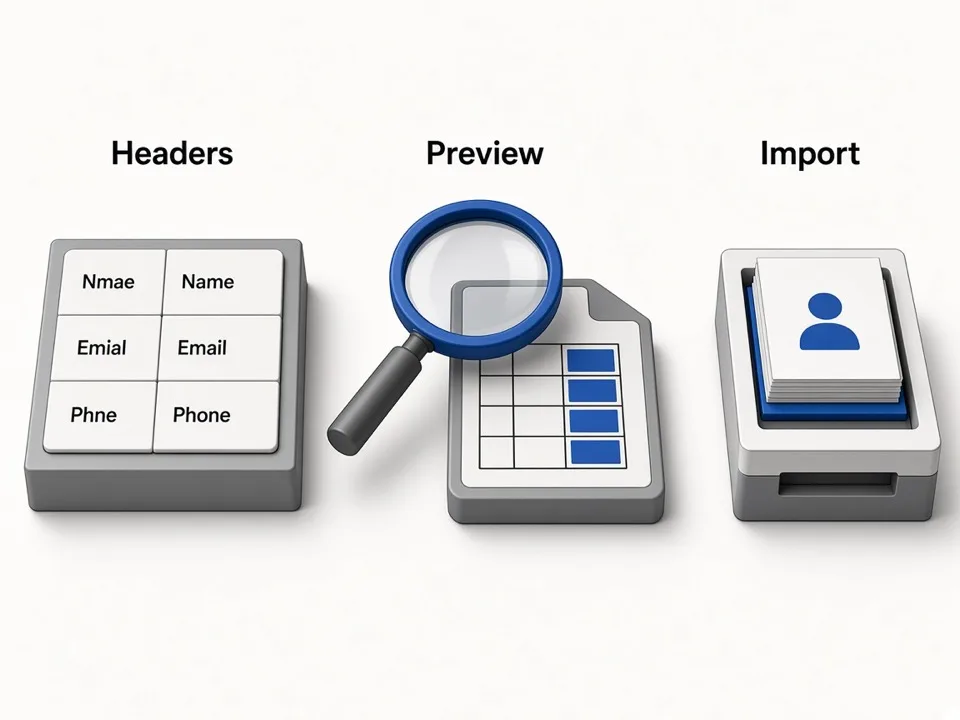
Normalize header spelling first
Website vs Web Site becomes two columns. Rename headers in the source files when they mean the same field.
Put the richest export first
The first file defines the primary column order—start with your widest schema.
Preview before CRM import
Scan the on-page preview for shifted columns, then download merged.csv.
Who it's for
Agencies running multi-city scrapes
Merge territory CSVs into one client deliverable.
SDR & RevOps teams
Combine batch exports before CRM import or sequencing.
Anyone stuck in spreadsheet hell
Join CSV files online without Power Query or desktop tools.
Use cases
Merge CSV files into one
Stack several Maps lead exports into a single downloadable CSV.
Combine multiple CSV files
Align headers across batches that share most—but not all—columns.
CSV merge before enrichment
Build one file, then run the lead enrichment gap analyzer.
How it works
01
Upload CSVs
Drop or choose two or more .csv files from your computer.
02
Review the merge
Check source count, columns, rows, and the preview table.
03
Download merged.csv
Save the combined file and continue to enrichment or CRM import.
What you get
- Free merge CSV / combine CSV tool in the browser
- Header alignment across mismatched exports
- Local processing—files stay on your device
- Preview before you download
FAQ
Related free tools
Lead Enrichment Gap Analyzer
Upload a lead CSV and score outreach-ready coverage for phone, website, email, and socials.
Learn moreBulk Keywords Generator
Build niche × city keyword grids from GBP categories for Google Maps lead scraping.
Learn moreDMS to Decimal Degrees Converter
Convert lat long and degrees-minutes-seconds to decimal degrees for Maps, CSV, and GIS.
Learn moreBatch-scrape Google Maps leads next
Paste keyword grids, enrich emails & socials, and export CRM-ready CSV zip with GMaps Lead Finder.