
ROI Calculator
Outreach ROI Calculator
Compare manual Google Maps prospecting cost with automated scrape-and-enrich. This outreach ROI calculator helps SDRs and agencies see when automation beats hours of clicking Maps—and when a small targeted list can stay manual without guilt.
Manual Maps prospecting hides true cost
Clicking Google Maps, copying fields, and hunting emails feels free until you multiply hours by fully loaded SDR cost. Agencies underprice projects because labor is invisible. Founders spend evenings collecting pins that a scraper could pull in minutes. An outreach ROI calculator makes manual vs automated economics explicit before you commit headcount or scraper credits, and it gives finance a number they can challenge instead of a vague claim that “automation is faster.”

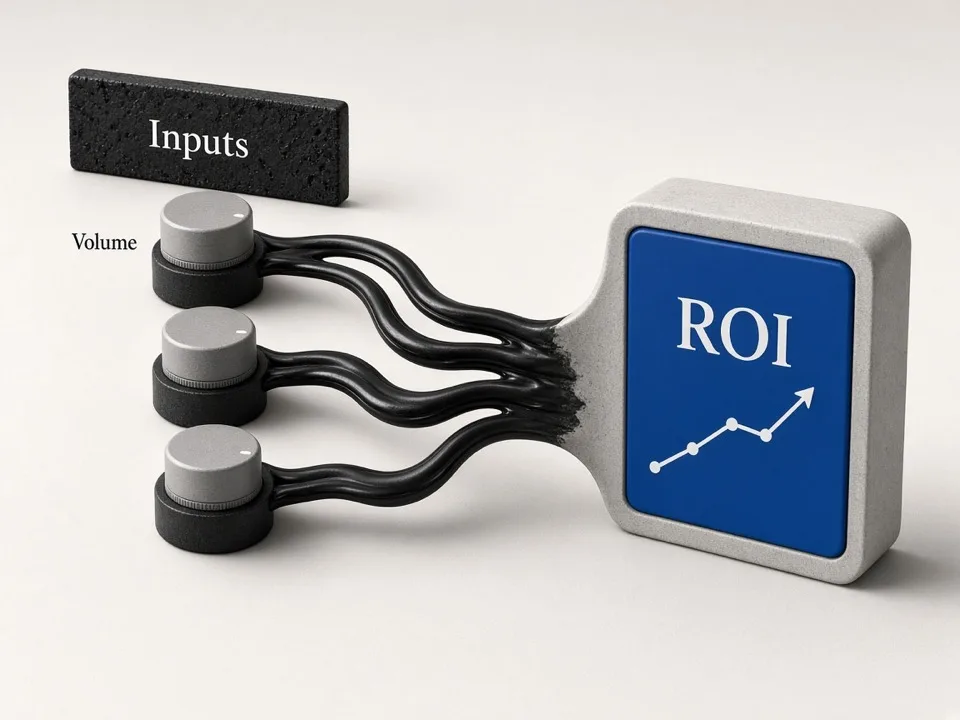
How to model outreach ROI
Good models stay simple: estimate leads needed, time per lead manually, hourly cost, then compare with scrape volume and subscription cost. Directional clarity beats false precision. Re-run the model when wages, targets, or enrichment needs change so the break-even stays honest.
Price the human minutes
Include search, open listing, copy fields, and basic research. Tiny per-lead times explode across hundreds of accounts. If reps also find emails by hand, add those minutes—manual enrichment is often the hidden majority of cost in “just pulling Maps leads.”
Price the automated path
Keyword grids plus scrape-and-enrich compress discovery. Compare plan cost and operator setup time against manual hours saved. Include light QA time for exports so automation is not falsely assumed to be zero-touch.
Decide with a threshold
When monthly lead volume crosses your break-even, automation usually wins—especially if enrichment reduces SDR research later. Below that threshold, a small highly targeted list can stay manual without apology; the calculator exists to find that line, not to force a tool purchase.
Manual Maps vs scrape-and-enrich
Use the calculator to show stakeholders why a scraper subscription can be cheaper than another headcount hour block. Pair the output with a sample keyword grid and enrichment plan so the story is not only cost—it is a concrete workflow from query to CSV.
Manual cost line
Hours × loaded hourly rate for Maps clicking and copy-paste work.
Automated cost line
Scraper plan plus light operator time for keywords and export QA.
Break-even volume
See how many leads per month tip the math toward automation.

When scraping is the rational move
ROI is not only dollars—it is consistency and speed to pipeline. Manual Maps work also introduces uneven fields and skipped cities; automation standardizes coverage when the math already favors it.
High volume niches
Multi-city campaigns rarely stay efficient with pure manual Maps work.
Enrichment included
If automation also finds emails/socials, credit the SDR hours you do not spend researching.
Revisit quarterly
Wage rates and lead targets change—rerun the outreach ROI calculator as plans shift.

Who it's for
SDR & outbound leaders
Justify scraper spend with a clear manual-hours comparison your finance partners accept. Bring the break-even chart to planning meetings instead of anecdotal pain about clicking Maps.
Agencies pricing projects
Show clients the labor behind “just pull a Maps list” before you underbid. Pricing enrichment and scrape time explicitly protects margin on multi-city retainers.
Founders doing it themselves
See when your own time is better spent selling than clicking Maps pins. If founder hours are the scarce resource, the calculator often tips toward automation earlier than wage math alone suggests.
Use cases
Budget approval
Model monthly lead targets and present break-even versus manual prospecting when asking for tool budget or headcount tradeoffs.
Build vs buy
Compare hiring research hours against a scrape-and-enrich subscription, including the enrichment lift that reduces SDR research later.
Campaign planning
Estimate cost per lead for a multi-city rollout before keyword generation so campaign scope matches budget reality.
How it works
01
Enter volume & time
Set leads needed and estimated minutes per lead for manual Maps work.
02
Enter costs
Add hourly labor cost and automated scrape plan assumptions.
03
Compare ROI
Read manual vs automated totals and the break-even signal.
What you get
- Clear outreach ROI calculator for Maps prospecting
- Side-by-side manual vs automated cost comparison
- Break-even framing for scraper budget conversations
- Pairs with keyword grids, gap analysis, and enrichment tools in the same Google Maps lead workflow
FAQ
Related free tools
Bulk Keyword Generator
Free niche × city keyword grids from GBP categories for Google Maps lead scraping.
Learn moreLead Enrichment Gap Analyzer
Upload a lead CSV and score outreach-ready coverage for phone, website, email, and socials.
Learn moreWebsite Email & Social Peek
Find public emails and social profiles from one business website—same enrichment approach as paid scrapes.
Learn moreBatch-scrape Google Maps leads next
Paste keyword grids, enrich emails & socials, and export CRM-ready CSV zip with GMaps Lead Finder.