
Gap Analyzer
Lead Enrichment Gap Analyzer
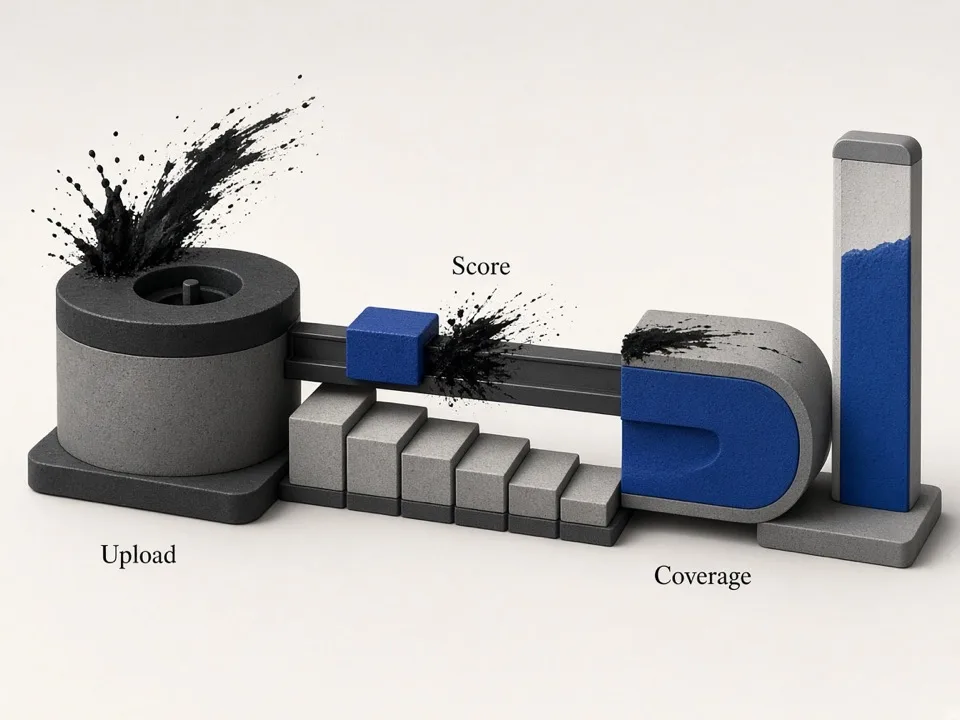
Upload a lead CSV and score how outreach-ready it is. This lead enrichment gap analyzer highlights missing phone, website, email, and social fields so you fix coverage before dialing or sending.
Thin CSVs waste SDR time and burn domains
Scraped or purchased lists often look complete until you open them: phones without websites, websites without emails, socials missing entirely. SDRs burn hours researching gaps mid-sequence. Agencies discover enrichment holes after promising volume. Deliverability suffers when people force thin lists into aggressive cadences anyway. A lead enrichment gap analyzer scores coverage up front so you enrich—or re-scrape—before outreach starts, and so ops can reject vendor files that fail a minimum readiness bar.

How to read enrichment coverage
Think in field completeness, not row count. A thousand leads with 20% email coverage is not a thousand outreach-ready accounts. Score phone, website, email, and socials separately, then prioritize the gaps that block your channel. The analyzer turns gut feel (“this list looks okay”) into percentages your team can gate on.
Map columns to outreach fields
Normalize headers so phone, website, email, and social columns are recognized. Ambiguous labels hide gaps that only appear when sequences fail. Agencies receiving client CSVs should map fields once per source format and save that mapping so every future upload is scored the same way.
Score coverage, not vanity totals
Row count impresses stakeholders; coverage percentages decide whether dialers and mailers can run. Use scores to decide re-enrichment vs list expansion. If phone coverage is high but email is low, you do not need more rows—you need website enrichment or a different channel mix for that segment.
Fix the expensive gaps first
If email is your primary channel, prioritize website→email enrichment. If calling leads, prioritize phone. Align enrichment spend with the motion you actually run. Publishing a simple rule—such as “no sequence launch under 60% email coverage”—keeps SDR managers and list ops aligned without endless debate.
What the gap analyzer surfaces
Clear coverage signals help ops and SDRs agree on whether a list is ready or needs another enrichment pass. Share the score in standups the same way you share pipeline numbers: it is an input to capacity planning, not a vanity metric.
Phone & website coverage
See how many rows can support calls or site visits without manual research.
Email readiness
Quantify how many accounts can enter a mail sequence today versus after enrichment.
Social presence
Spot missing LinkedIn or other profiles when social touches are part of your playbook.

Close gaps before you scale sequences
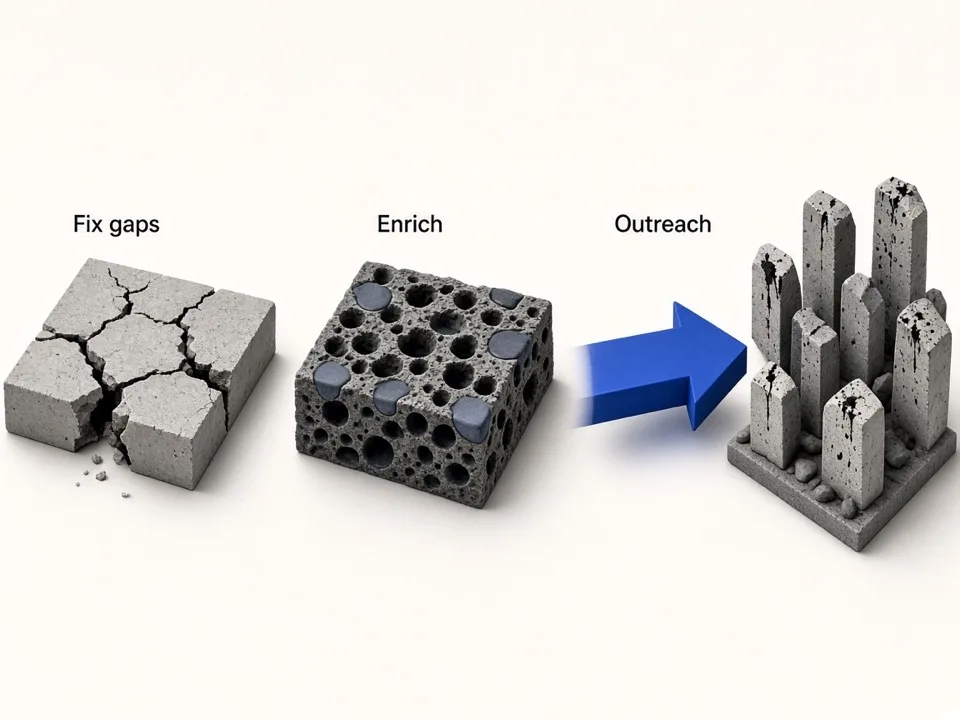
Use the score as a gate: do not launch large cadences on lists that fail your coverage threshold.
Re-enrich thin slices
Filter low-coverage segments and run website email peek or paid enrichment on those rows only.
Re-scrape when sources are weak
If Maps scrapes lack websites, rebuild keyword grids and scrape again with enrichment enabled.
Set team thresholds
Agree that lists below an email or phone coverage % return to ops—not straight to SDRs.
Who it's for
SDR managers
Gate lists on enrichment scores so reps spend time selling, not hunting missing emails. Use the analyzer as a weekly QA step on every new scrape or vendor file before it hits the dialer.
Lead agencies
Prove list quality to clients with coverage metrics before delivery or after scrape. Showing phone/website/email/social completeness builds trust and reduces refund arguments about “bad leads.”
RevOps & list ops
Standardize enrichment QA for every CSV that enters the CRM or sequencer. Make gap scores part of your ingestion checklist alongside dedupe and territory assignment.
Use cases
Pre-outreach QA
Upload a vendor or scrape export and reject thin files before they hit dialer queues. Send clear coverage numbers back to the source instead of vague complaints about quality.
Enrichment prioritization
Rank which fields to buy or scrape next based on the largest coverage gaps. Spend enrichment budget where it unlocks the most outreach-ready rows.
Client reporting
Show before/after enrichment coverage when delivering Google Maps lead packages so clients see the value of enrichment, not just raw row count.
How it works
01
Upload CSV
Drop a lead export with phone, website, email, or social columns.
02
Map fields
Confirm which columns represent the outreach fields you care about.
03
Read the score
Review coverage gaps and decide whether to enrich, re-scrape, or launch.
What you get
- Fast lead enrichment gap analyzer for CSV uploads
- Coverage scores for phone, website, email, and socials
- Clear signal before SDRs waste cycles on thin rows
- Pairs with email peek and Google Maps scrape enrichment
FAQ
Related free tools
Merge CSV Files Online
Combine multiple CSV files into one—align headers and download a merged sheet in the browser.
Learn moreWebsite Email & Social Peek
Find public emails and social profiles from one business website—same enrichment approach as paid scrapes.
Learn moreFree Email Verifier
Check one email for syntax, MX records, disposable domains, free providers, and role accounts—no SMTP, no guessing.
Learn moreBatch-scrape Google Maps leads next
Paste keyword grids, enrich emails & socials, and export CRM-ready CSV zip with GMaps Lead Finder.