
GMaps Lead Finder
Google Maps Reviews Extractor
Paste a place URL, short link, or business_id, scrape Google Maps reviews to CSV—built for reputation ops, local SEO, and agencies.
Google Maps reviews scrape is available on Starter plans and above.
How Google Maps review export works
Three steps from a place link to spreadsheet-ready review rows.
01
Paste a place
Drop a Google Maps place URL, share short link (maps.app.goo.gl), or business_id (0x…:0x…). One place per job.
02
Scrape reviews
We pull rating, text, reviewer, date, and owner reply when Maps shows them.
03
Download CSV
Export rows for Sheets, CRM reply queues, or sentiment tools—1 credit per review row.
Who uses a Google Maps reviews scraper
Teams that need structured reviews—not screenshots—for reputation and research.
Reply & ticket queues
Feed owner-reply workflows and support triage with rating + text in CSV.
Star & theme analysis
Score trends and recurring complaints across locations without manual copy-paste.
Competitor reputation
Compare nearby businesses on the same niche before pitching or positioning.
Export fields
Review rows you can actually analyze
Each row is a structured review—not a blurry screenshot. Export columns follow your Reviews preferences so Sheets and BI tools stay stable.
Rating & text
Star score plus full review body for theme coding.
Reviewer & date
Keep chronology when you chart reputation over time.
Owner reply
Capture public replies when the business responded on Maps.

Reputation ops
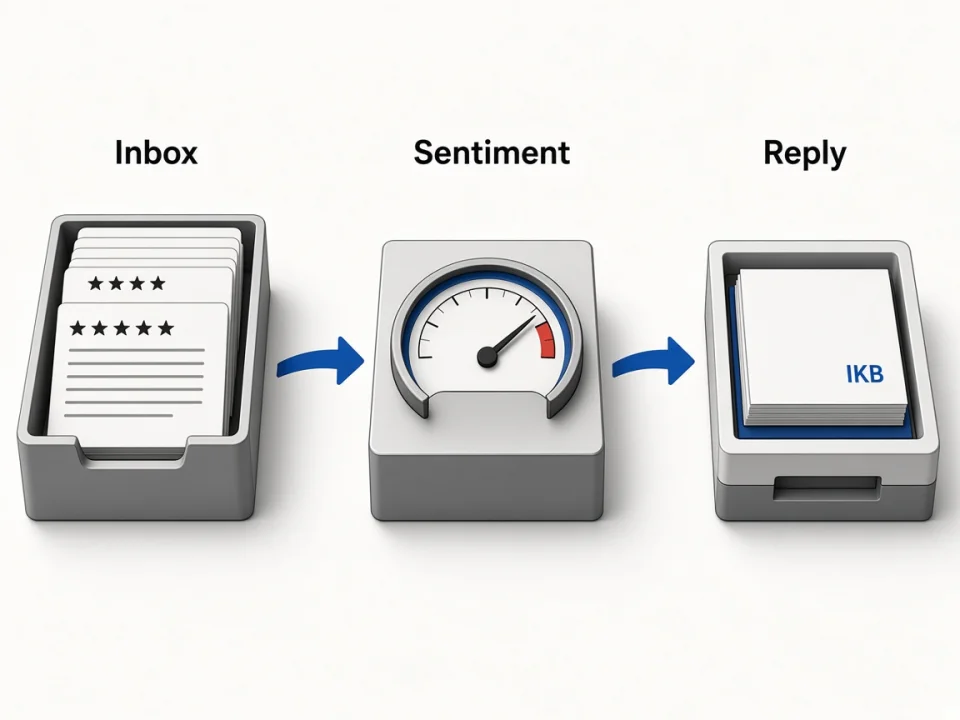
From scrape to reply workflow
Agencies and local SEO teams pull reviews into an inbox-style CSV, tag sentiment offline, then draft replies—without babysitting the Maps UI.
Inbox-ready CSV
Sort by rating or date for daily reputation standups.
Sentiment inputs
Clean text columns for your own classifiers or human review.
Reply briefs
Pair low-star rows with owner-reply status before you respond.
Multi-place
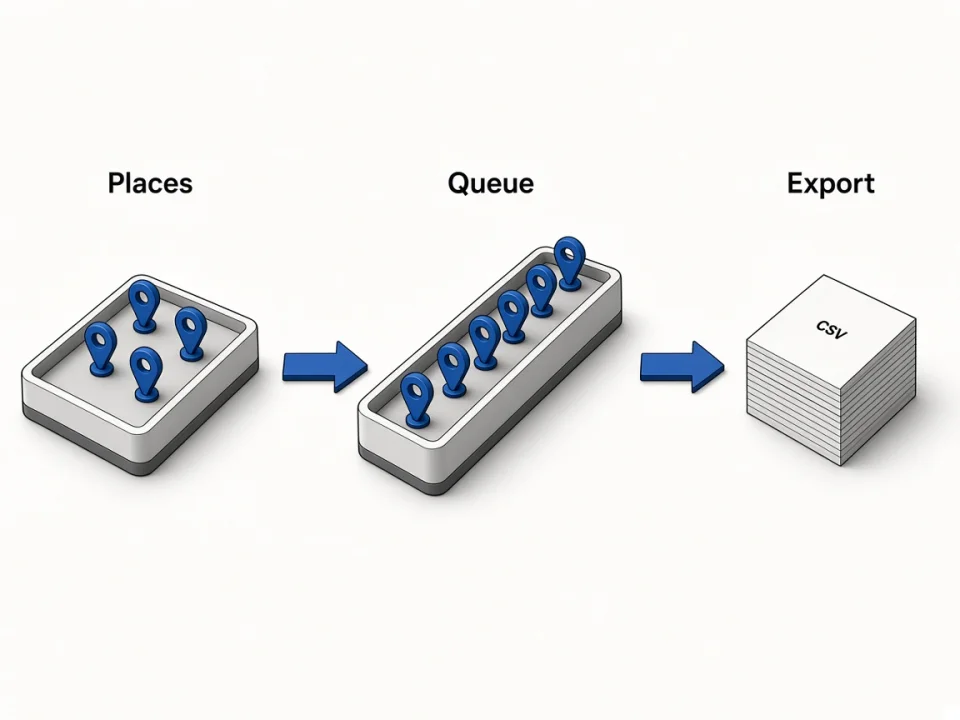
Queue places, export reviews
Run places sequentially (one in-flight job). Same credit pool as leads and photos—finish one reviews job before the next.
Place queue
Work through a client list of Maps URLs one job at a time.
Shared lock
Maps, reviews, and photos share one running job per account.
Export per job
Download CSV when the job completes or finishes partial.
Choose your surface
Online reviews vs Agents vs Chrome
Unlocks Online reviews. Growth+ adds Agent/MCP for the same place→CSV pipeline. Use Chrome when you are already browsing Maps.
Online Reviews Extractor
Paste a place on this page or the homepage Reviews tab.
Scrape on this pageAgents / MCP (Growth+)
Create review-jobs from Claude, Cursor, or Codex and get JSON rows.
Open AgentsChrome Google Maps Extractor
Pull reviews while you browse a place card in Chrome.
Open extension page
Related tools
Pair reviews with leads, emails, photos, and agent workflows.
Online Google Maps Extractor
Keyword → places with phones, websites, emails & socials.
Open Online ExtractorFAQ
Scrape your first Google Maps reviews CSV
Paste a place URL above, run the job, then download CSV—or connect Agents on Growth+.