
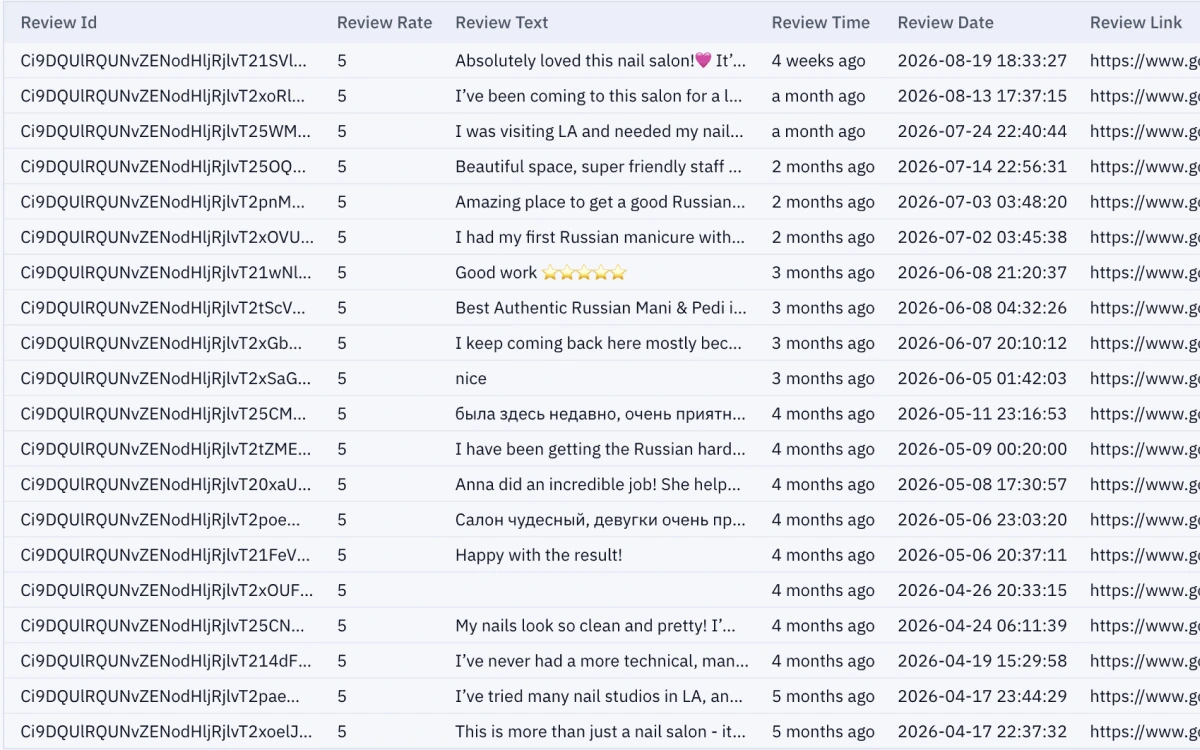
What a reviews scrape returns
Typical columns follow your Reviews export preferences: rating, review text, reviewer name, date, owner reply, and related metadata. Product overview: Google Maps Reviews Extractor.

Online Reviews Extractor workflow
- Open Reviews Extractor (Starter+ for Online reviews).
- Paste one Google Maps place URL or business ID—exactly one place per job.
- Run the job and wait until completed, partial, or failed.
- Export results; Agent/HTTP review-jobs are available on Growth+.
Multiple places and automation
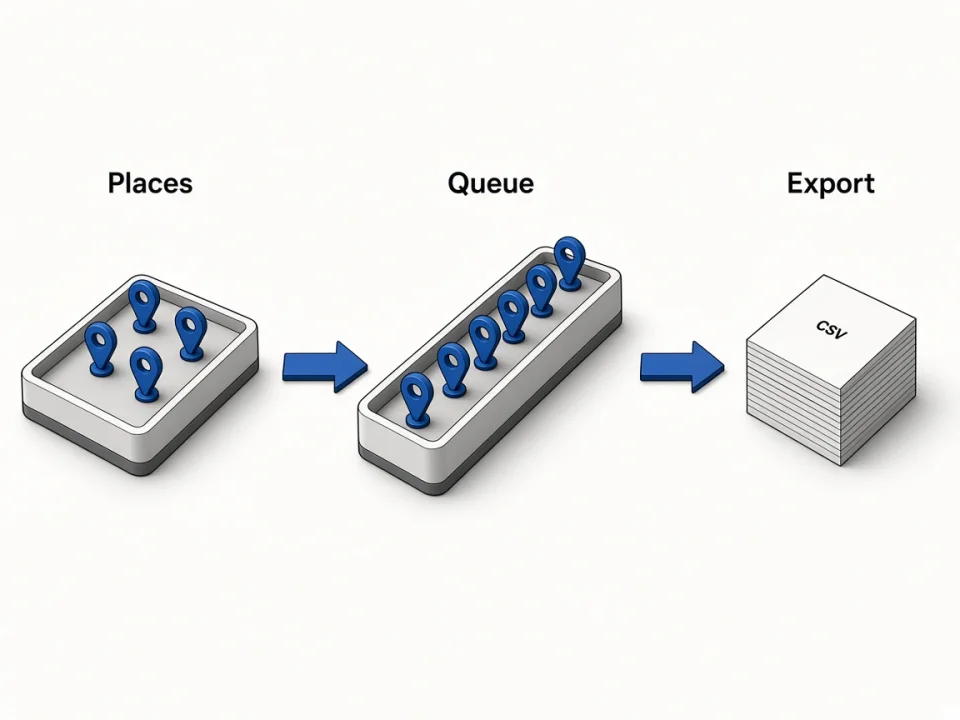
Only one in-flight job runs at a time across leads, reviews, and photos. For many locations, queue places sequentially. Growth+ can automate via Agent/MCP or HTTP review-jobs.
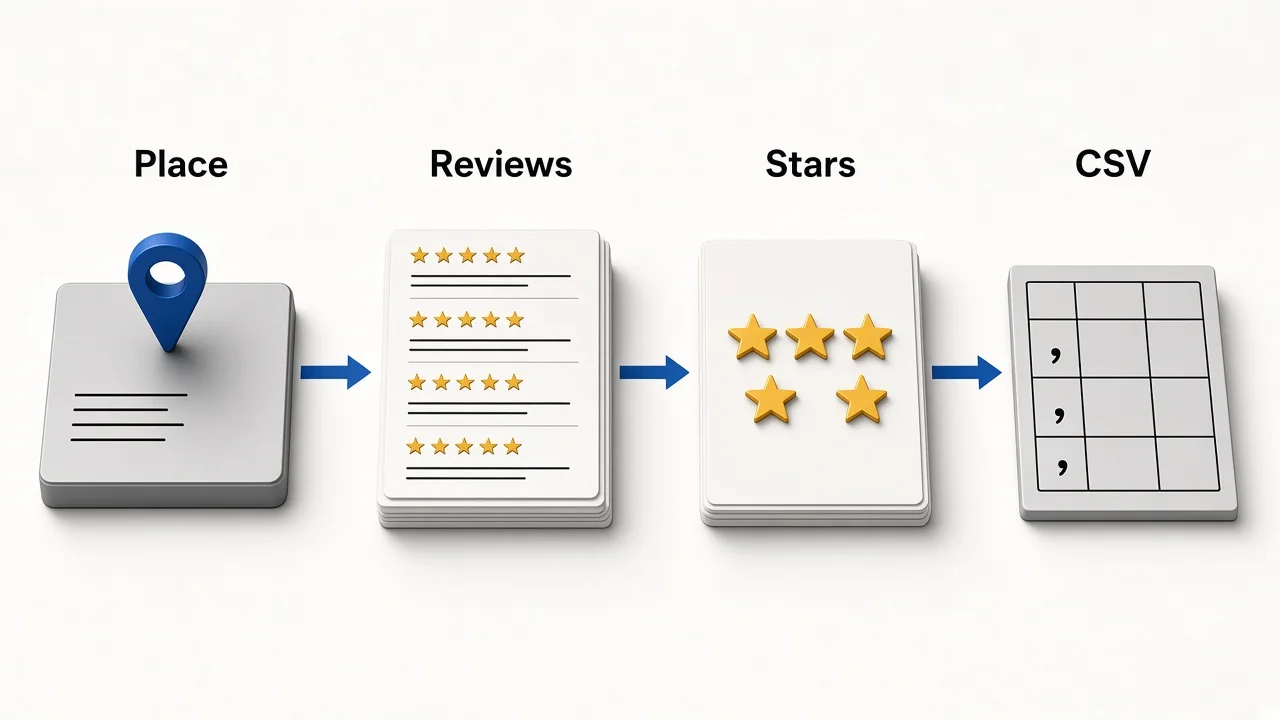
Reviews vs leads jobs
| Job type | Input | Output |
|---|---|---|
| Leads | One keyword | Business rows |
| Reviews | One place | Review rows |
| Photos | One place | Photo URLs |
Need the business list first? Start with how to scrape Google Maps data, then pull reviews for shortlisted places.