
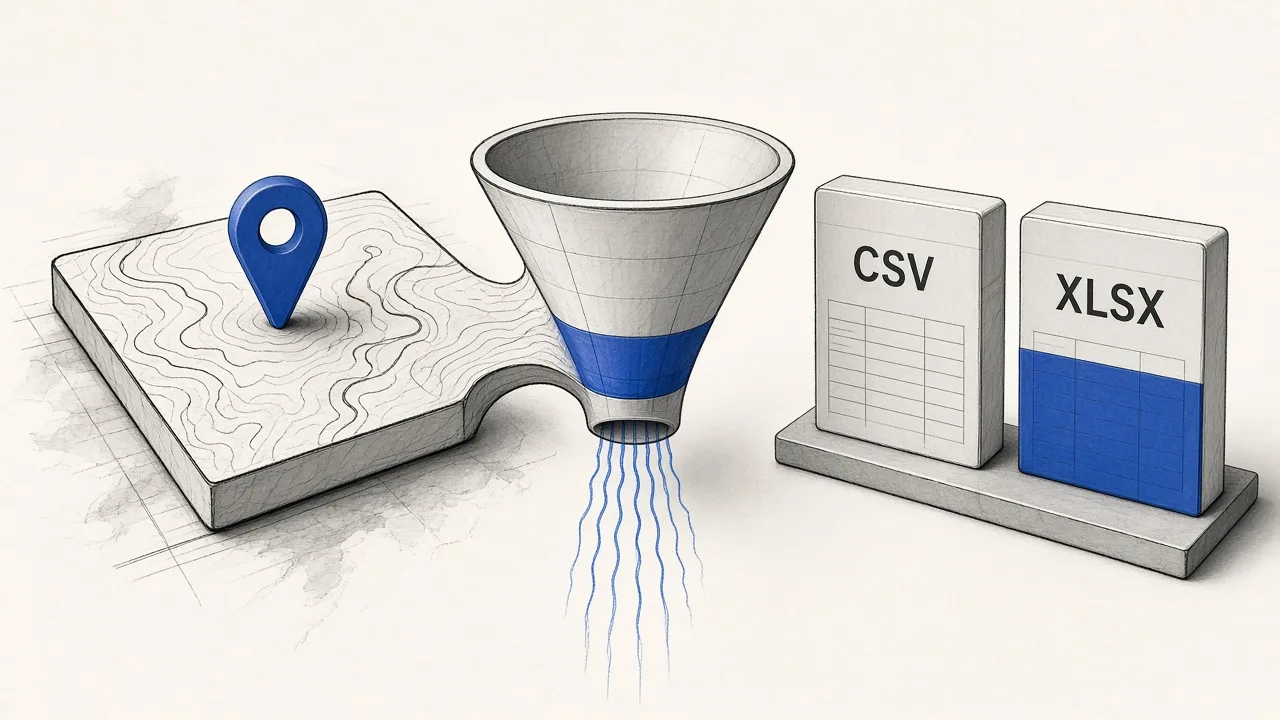
What “scraping Google Maps data” usually means
Most teams searching this phrase want a lead list, not map tiles or directions. Typical outputs: business name, category, rating, review count, phone, website, address, and Maps URL.
- Sales and agencies: outreach lists by city and niche
- Local SEO: competitor inventories and citation checks
- Operators: territory coverage without manual pin clicking
If you need official Places data inside a product under Google Maps Platform terms, use the Places API. For public-list lead research, a lead extractor is the shorter path—see our Places API alternative comparison.
Choose a path: Online, extension, or Agent
| Path | Best when | Start here |
|---|---|---|
| Online extractor | You want keyword → job → CSV in the browser | Try Online |
| Chrome extension | You already browse Maps and want capture in-context | Extension |
| Agent / MCP / HTTP | You automate from Claude, Cursor, or scripts | Agents |
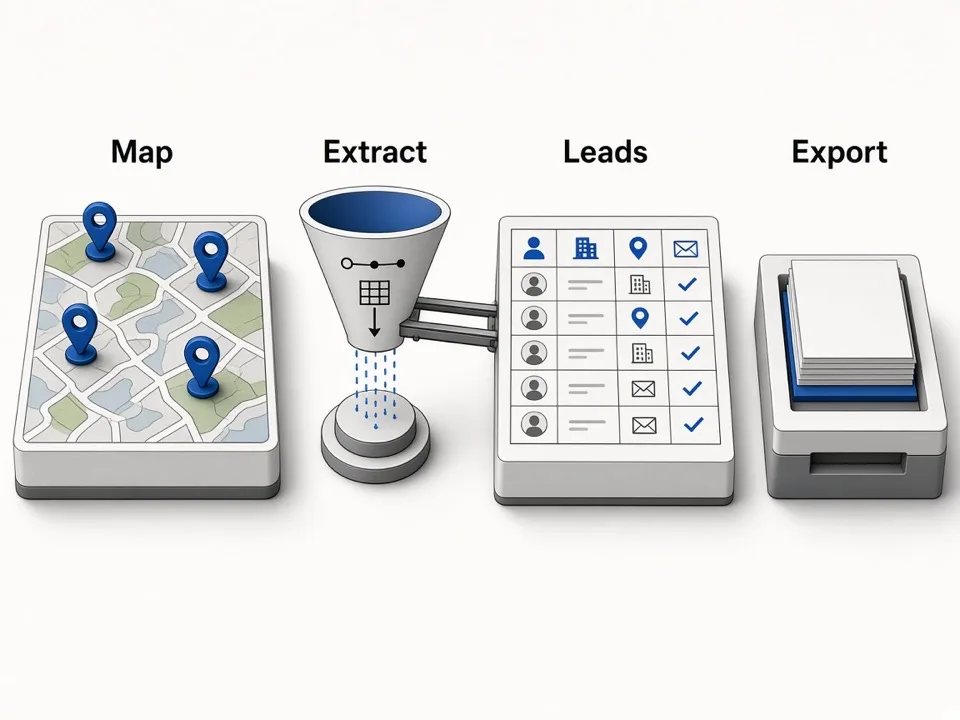
Online workflow in three steps
- Sign in and open the Online extractor. Free accounts include 500 lifetime credits (1 credit ≈ 1 place).
- Enter exactly one keyword per job—e.g. “plumbers in Austin” or “dental clinics Chicago”. Multi-keyword jobs are rejected; run queries sequentially.
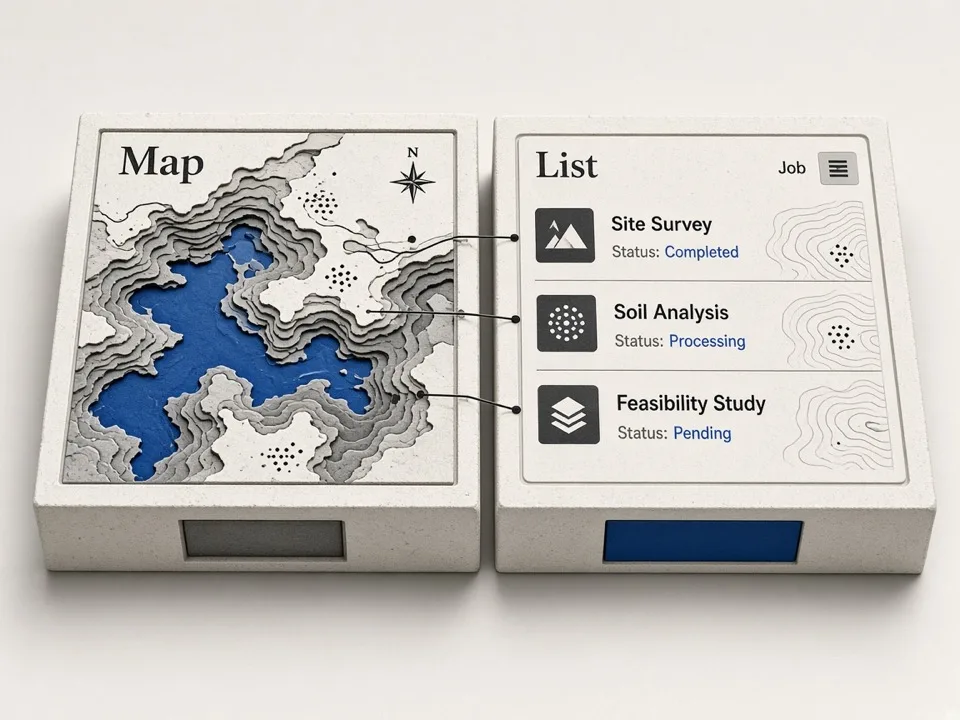
- Wait until the job is completed or partial, then export CSV (zip export unlocks on paid plans). Paginate results if you use the Agent API.
Fields, CSV, and enrichment
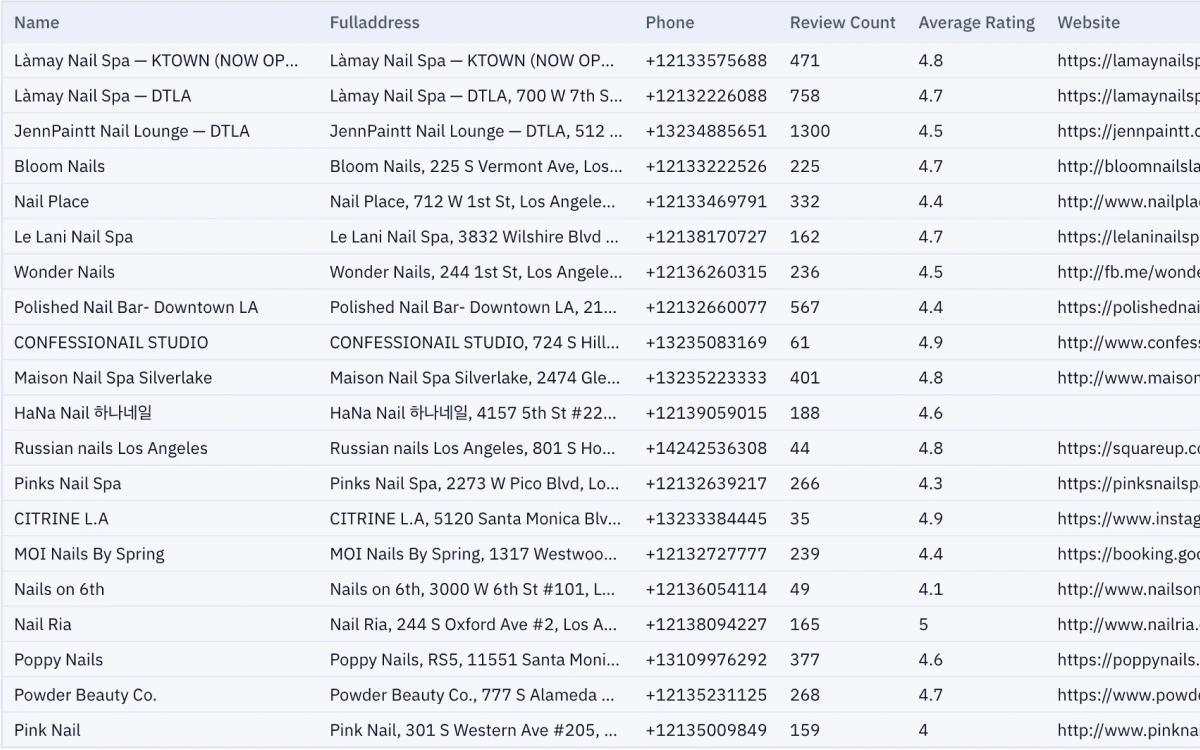
Export columns follow your Leads export preferences—commonly Name, Phone, Website, Address, Rating, plus identifiers like Place ID, CID, and Fid / business_id. See Google Maps to CSV for the export story.
Public emails and socials are enrichment fields: when nothing public is found, cells stay empty—we do not invent contacts. Details: email extractor.
- Empty email/social ≠ scrape failure; often the site has no public mailbox
- Filter “no website” rows for agencies selling web builds
- Keep Maps URLs for verification before outreach