When a Chrome extension is the right tool
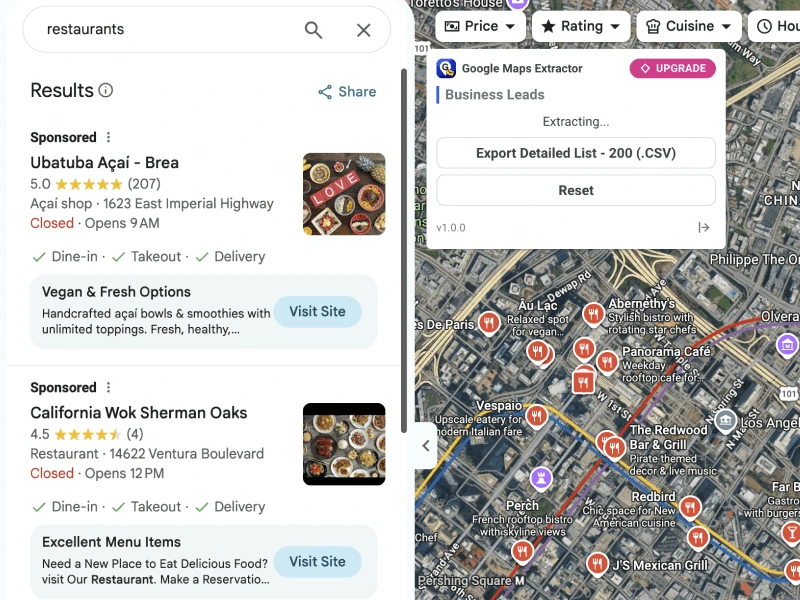
- You browse Maps daily and want capture without leaving the tab
- You need list/export while visually verifying pins
- Your team prefers browser workflows over cloud job forms
Product page: Google Maps Extractor extension. Related: Leads Finder extension.
Extension vs Online vs Agent
| Surface | Best for | Credits / quotas | Start |
|---|---|---|---|
| Chrome extension | In-browser Maps capture | Extension quotas (separate) | Install |
| Online extractor | Unattended keyword → CSV jobs | Online place credits | Online |
| Agent / MCP / HTTP | Automation & AI workflows | Shared Online credits on Growth+ | Agents |
Want a hosted workflow without installing anything? See Google Maps scraper without a Chrome extension for the Online path—or skip straight to /#extractor.
Quotas and plans
Online credits and extension quotas are separate. Free Online lifetime credits do not automatically equal extension capacity. Check Pricing and each extension page for current limits.
When to skip the extension entirely
- CI or nightly keyword batches
- Non-technical teammates who only need a web form
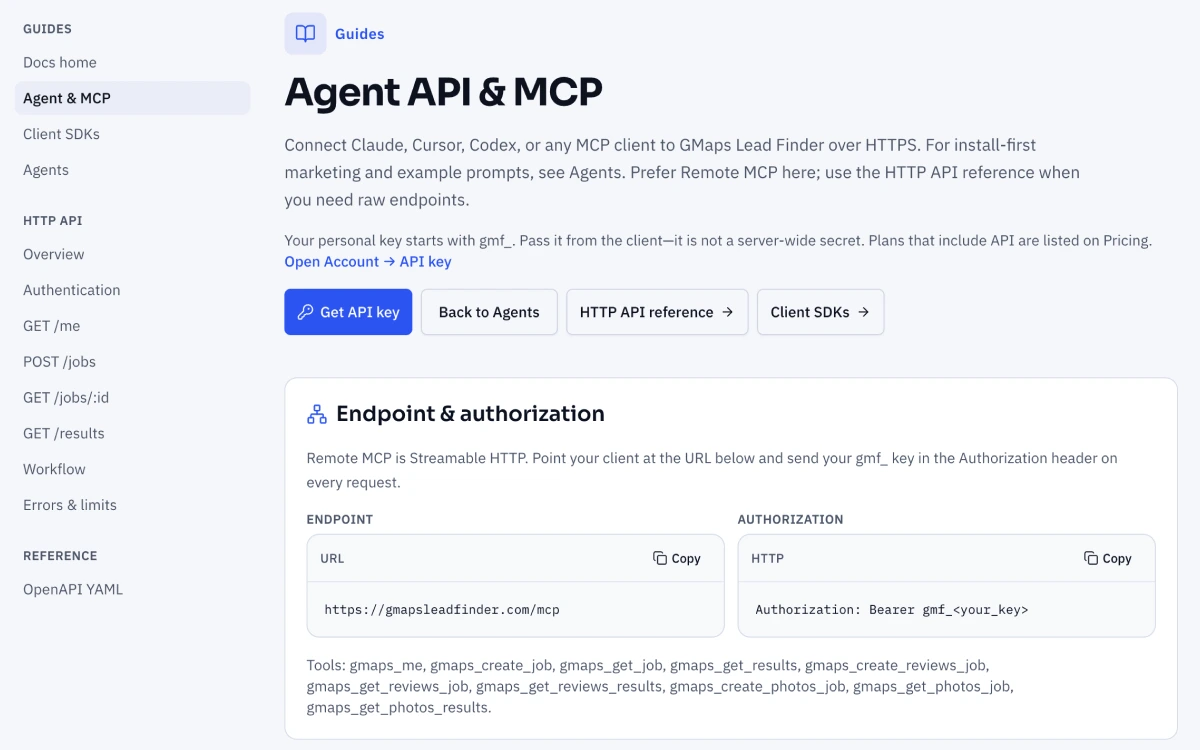
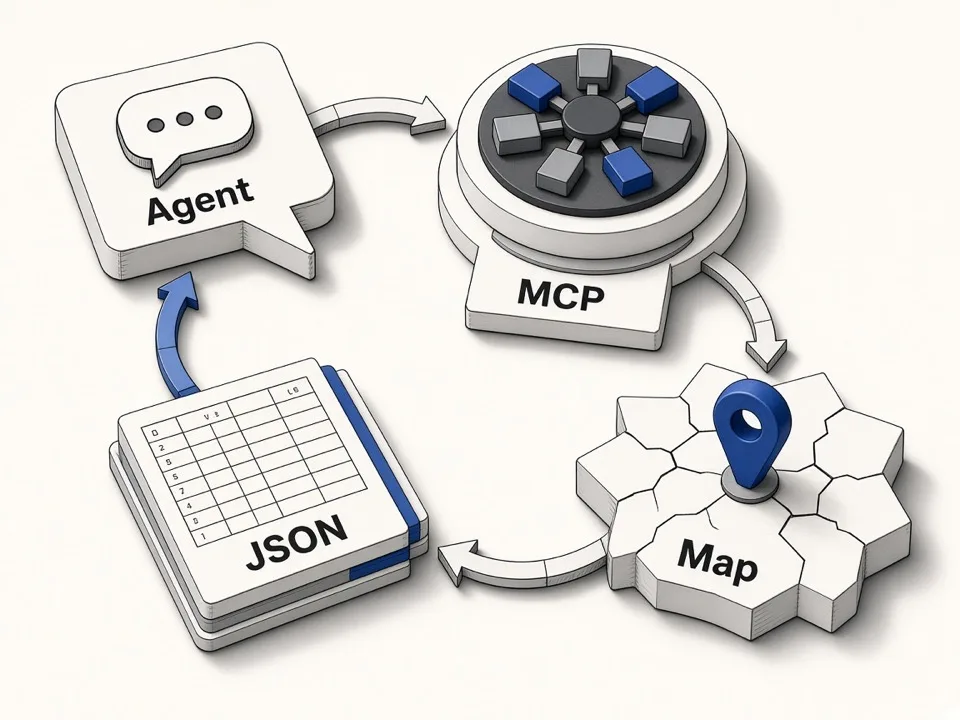
- AI agents that should call MCP tools instead of driving a browser
Docs: Agent, HTTP API. For vendor shopping without committing to an extension-first tool, read scraper alternatives.