
Bing Maps Extractor for Chrome
The Bing Maps Extractor Extension pulls business leads from Bing Maps without leaving the tab—name, address, phone, website, multi-keyword runs, and CSV or XLSX exports with optional email and social enrichment.
Also see Google Maps Extractor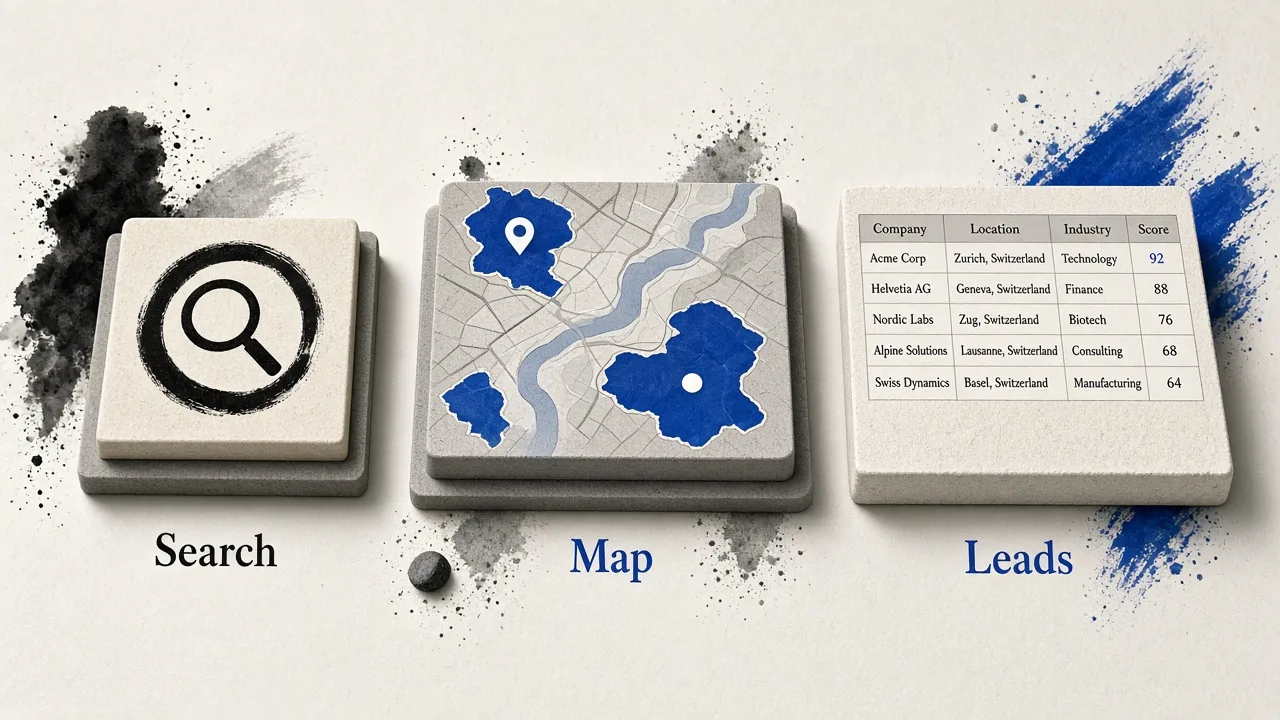
How Bing Maps Extractor Extension works
Install once, open Bing Maps, and extract from the places you are already viewing.
Install from Chrome
Add the Bing Maps Extractor for Chrome from the Chrome Web Store and pin it for quick access.
Open Bing Maps
Search, browse a list, or open a place—stay in the Bing Maps tab you already use for prospecting.
Extract and export
Pull listing fields, run keyword batches, enrich contacts when websites exist, then export CSV or XLSX.
Core extract
On-page Bing Maps lead extract
Extract from the Bing Maps view in front of you—name, phone, website, and related fields into a CRM-ready table.
Browse-first workflow
Extract from Bing search results and place cards—no separate upload.
Structured business rows
Phone, website, and location ready to merge with Google lists.
Multi-keyword
Multi-keyword & bulk keyword generator
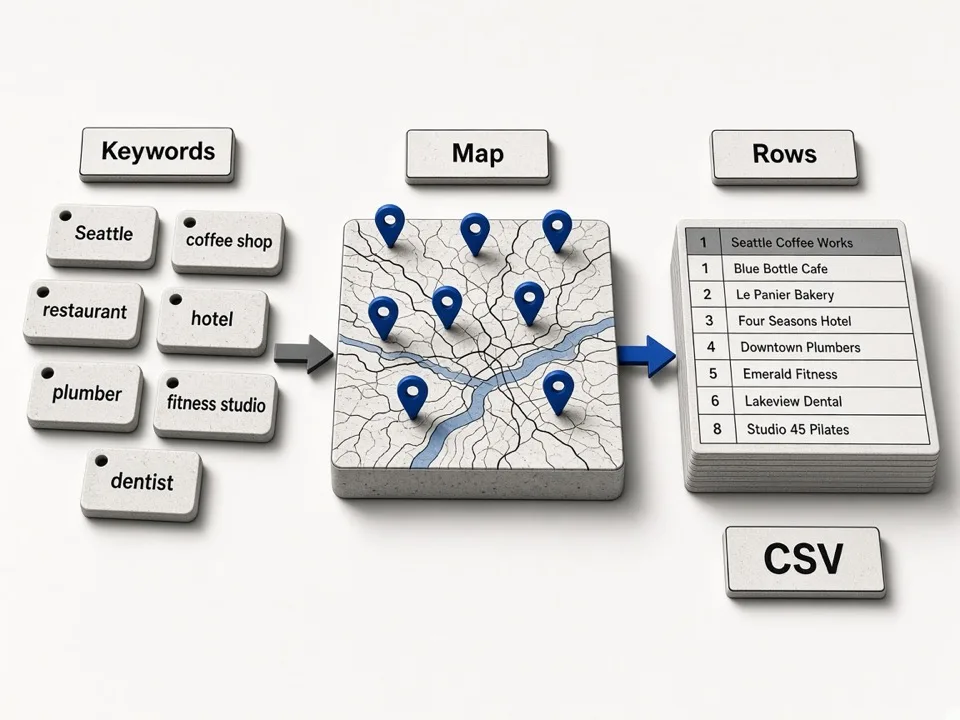
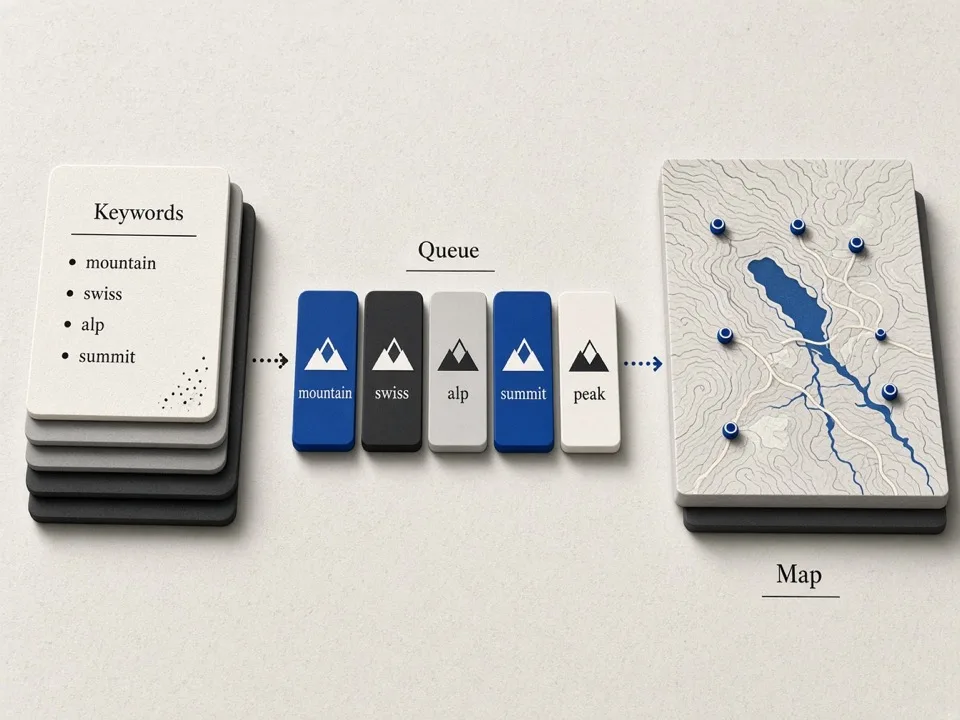
Stack keywords and generate batches when one Bing search is not enough for territory coverage.
Batch queries
Run multiple Bing searches without rebuilding city by city.
Territory coverage
Generate keyword lists for wider local inventory.
Enrichment
Email & social contacts from business websites
When a Bing listing has a website, enrich public emails and socials—contacts you can message, not just a Maps URL.
Public contacts only
Site-published emails and socials—empty cells stay empty.
Outreach-ready rows
Phone, website, and enriched contacts in one export.

Export
CSV & XLSX export for CRM handoff
Download spreadsheets for CRM import—Bing as a second local source beside Google coverage.
Spreadsheet-ready files
CSV or XLSX for Excel, Sheets, and most CRM importers.
Second-source lists
Tag Bing rows and merge with Google or Online exports.

Why Bing as a second source
Local inventories differ across map products. The Bing Maps Extractor Extension helps you fill gaps and cross-check lists.
Dedicated Bing workflow
Built for Bing Maps—not a thin skin over a Google-only tool.
Outreach-ready enrich
Email and social enrichment follows the same outcome as our Google tools: contacts you can actually use.
Bulk keywords
Generate and run keyword batches when a single Bing search is not enough.
Pair with GMaps Lead Finder
Use Bing here; use the Online Google Maps Extractor or Google Maps Extractor when you need Google coverage or agent API.
Choose your surface
Bing Chrome extension vs Online Google Maps Extractor
Use the Bing Maps Extractor Extension when you are browsing Bing Maps. Switch to the Online Google Maps Extractor on gmapsleadfinder.com for Google Maps cloud keyword jobs, a Lead list, and agents—quotas are separate.
- Current
Best for Bing Maps in Chrome
On-tab Bing extract, multi-keyword runs, enrichment, and CSV/XLSX while you browse Bing Maps.
View extension pricing Best for Google cloud keyword batches
Paste Google keywords, run jobs in the cloud, download zips, and connect agents when your workflow lives outside Bing.
Open Online Google Maps Extractor
Related tools on GMaps Lead Finder
Pair the Bing Maps scraper extension with Online features and the Google Maps Extractor.
Online Google Maps Extractor
Cloud Google keyword search, zip exports, and your Lead list on the homepage.
Start Online searchGoogle Maps to CSV
How Online keyword jobs become downloadable CSV/zip packages.
Read CSV guideEmail extractor
Deep dive on email and social enrichment across Online and extensions.
Email feature pageGoogle Maps Extractor
Chrome extract for Google Maps—reviews, photos, saved lists, and on-tab enrichment.
Google extensionGoogle Maps Leads Finder
Single-place Leads panel on Google Maps—free business details, Pro email & socials.
Leads Finder
Extension pricing
Plans and limits for the Bing Maps Extractor Extension are listed here (separate from Online cloud plans). Feature differences appear only in these cards.
Free
$0/mo
500 leads / mo · no email enrich
- 500 leads / month
- CSV & XLSX export
- Bulk keywords generator
- No email / social enrich
Starter
$9/mo
$9 billed monthly
- Email & social enrich
- CSV & XLSX export
- Bulk keywords generator
Pro
$28/mo
$28 billed monthly
- Email & social enrich
- CSV & XLSX export
- Bulk keywords generator
- Priority support
FAQ
Install Bing Maps Extractor for Chrome
Add the extension for Bing Maps sessions, or open the Online Google Maps Extractor when your list starts from Google keywords.