
Keywords
Free Bulk Keyword Generator for Google Maps
Build niche × city keyword grids from Google Business Profile categories so Google Maps scraper jobs start with coverage, not spreadsheet chaos. Copy, download CSV, or hand keywords straight into Lead Scraper.
City × niche grids stall outreach before scraping starts
A bulk keywords generator for Google Maps scraper workflows exists for one reason: outbound teams burn hours typing “dentists in Austin,” “HVAC in Dallas,” and the next fifty metros by hand. Agencies pitching multi-city campaigns need hundreds of queries. List builders expanding one niche across a state need thousands. Spreadsheet concatenation breaks, duplicates sneak in, and scraping never starts on time. Manual grids also hide scope risk—you only discover the job is too large after you paste it into a scraper.

How a Google Maps keyword grid should work
Treat keyword generation as a controlled pipeline: pick niches, pick geography, pick a template, then export with a visible count. That is what this free bulk keywords generator is built to do before you open Lead Scraper.
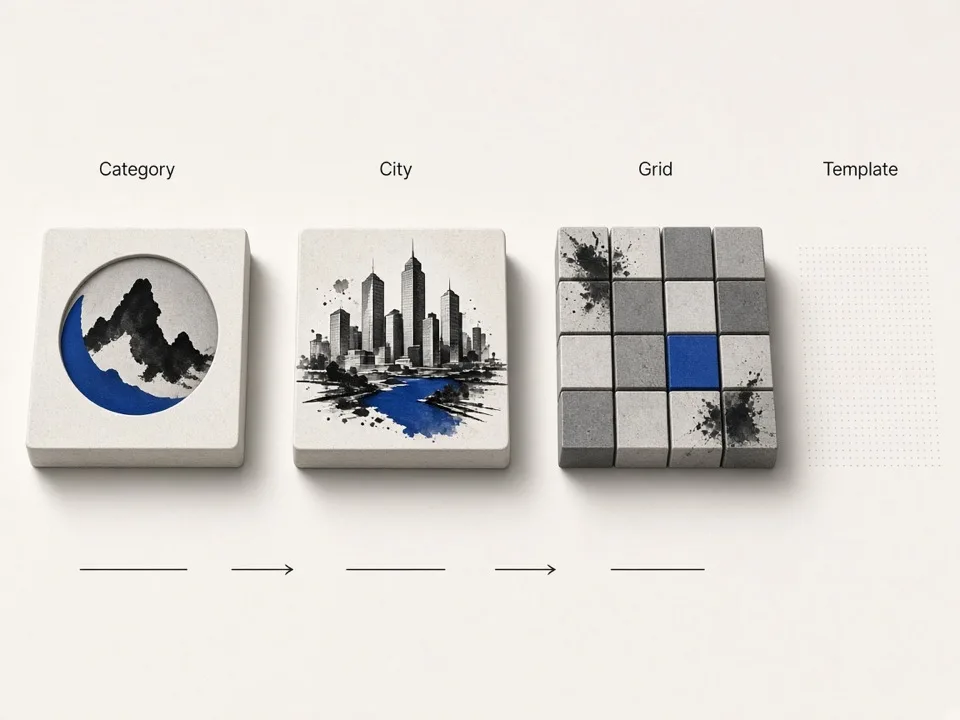
Start from GBP categories, not random guesses
Google Business Profile category names map cleanly to how local businesses show up in Maps. Searching thousands of categories (plus custom niches when GBP labels are too broad) keeps your Google Maps keyword grid aligned with real inventory instead of invented phrases that return thin results.
Cascade country → state → cities
Coverage without chaos means choosing the right geo grain. Entire-country grids are powerful for national list builds but can explode into thousands of keywords. State or multi-city subsets keep scraper jobs manageable while still supporting metro rollouts and territory pitches.
Templates turn pairs into scraper-ready queries
Presets like “in,” “near,” or space-joined patterns—and custom [category] [region] templates—produce consistent query strings your team can paste into Online Lead Scraper or download as CSV for batch jobs and CRM prep.
From keyword grid to Google Maps leads
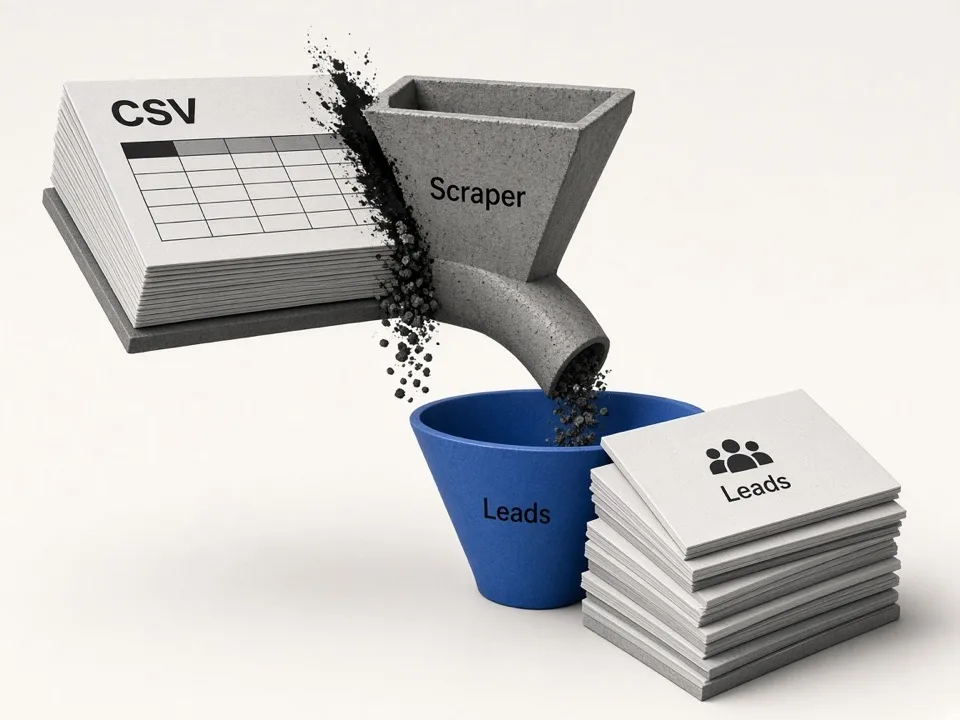
Keywords are the fuel; scraping and enrichment are the engine. Once your grid looks right, move it into a scrape job instead of leaving it in a sheet.
One-click Lead Scraper handoff
Send the generated list into Lead Scraper prefilled so you skip copy-paste errors.
CSV for ops and agencies
Download grids for client approvals, ticket queues, or offline batch scheduling.
Pair with enrichment tools
After scrape, score list gaps or peek websites so outreach lists are contact-ready.
Keep bulk keyword jobs scrape-safe
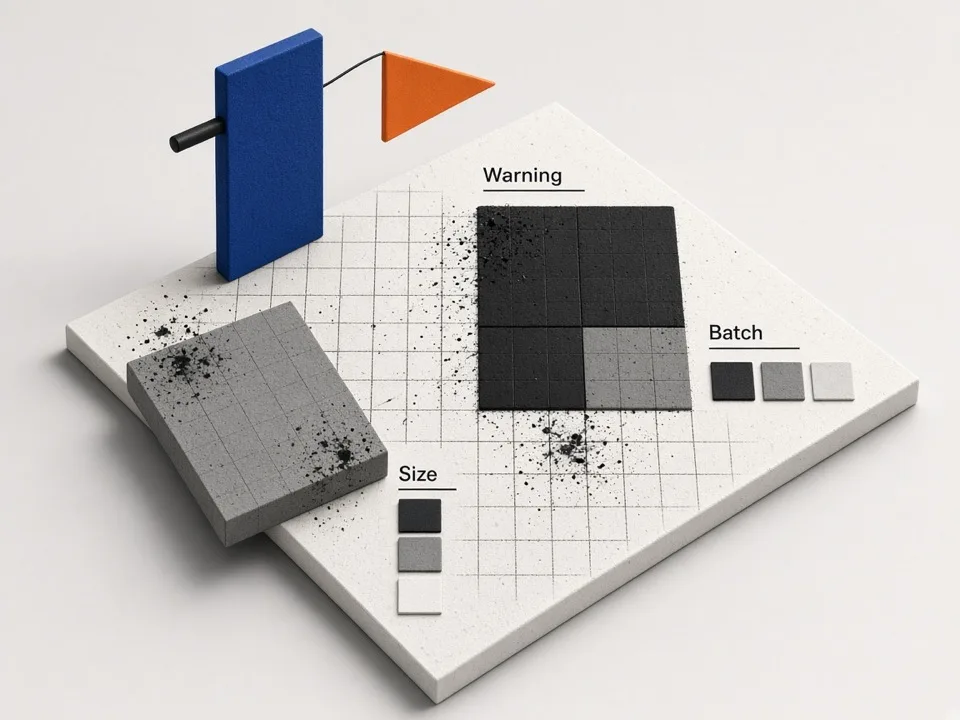
Large niche × city matrices look impressive until they time out or burn credits. Use count warnings and batching as part of the workflow.
Watch the ~2,000 keyword warning
Narrow to a state or city subset before you launch an oversized Online job.
Batch national coverage
Split entire-country builds by state so scrapes stay recoverable and reviewable.
Custom niches with intent
Add free-text niches when GBP names are generic, then validate a sample scrape first.
Who it's for
SDR & outbound teams
Build weekly Google Maps keyword batches across metros without spreadsheet gymnastics or broken CONCAT formulas.
Local SEO & lead agencies
Spin prospect grids by niche and territory for client pitches, then scrape only approved markets.
List builders & operators
Expand one category across every city in a state or country in seconds, with a visible keyword count.
Use cases
Metro rollout
Pick HVAC plus a state, generate every city query, and paste into Online Lead Scraper for a territory campaign.
Multi-niche campaign
Select several GBP categories and one city set when you sell multiple offers into the same market.
Custom niche expansion
Add free-text niches such as solar installers when standard GBP labels are too generic for your ICP.
How it works
01
Choose categories
Use popular chips, search 4,000+ GBP categories, or add custom niches for your offer.
02
Pick location
Country → state (or entire country) → all cities or a multi-select subset.
03
Set the template
Use in / near / space, or a custom [category] [region] pattern.
04
Export or scrape
Copy, download CSV, or send keywords straight into the Lead Scraper.
What you get
- Multi-select GBP categories plus custom niches for Google Maps keyword grids
- Country / state / city cascade with All Cities support
- Preset and custom keyword templates that stay scraper-ready
- Safety warning when grids get too large to scrape safely
- One-click handoff to Online Lead Scraper after generation
FAQ
Related free tools
Lead Enrichment Gap Analyzer
Upload a lead CSV and score outreach-ready coverage for phone, website, email, and socials.
Learn moreOutreach ROI Calculator
Compare manual Maps prospecting cost versus automated scrape-and-enrich.
Learn moreMerge CSV Files Online
Combine multiple CSV files into one—align headers and download a merged sheet in the browser.
Learn moreBatch-scrape Google Maps leads next
Paste keyword grids, enrich emails & socials, and export CRM-ready CSV zip with GMaps Lead Finder.