
Google Maps Email Extractor
Turn Maps places into outreach-ready rows. This Google Maps email scraper enriches business websites for public emails and Google Maps social enrichment—honest coverage, never fabricated contacts.

Email coverage varies by niche and website
There is no universal hit-rate promise. Enrichment only returns contacts the business publishes on its public website. No website or no published address means an empty email field—not a guessed contact.
How Google Maps Email Extractor works
Three steps from a bare Maps list to contactable rows—same outcome on web and Chrome.
01
Extract places
Pull Google Maps listings into structured rows—name, phone, website, and more.
02
Enrich websites
When a listing has a website, we fetch public pages and look for emails and social profile URLs.
03
Export contactable rows
Enriched fields land beside Maps columns in CSV, JSON, or XLSX so outreach tools can use them.
Data sources
Where emails and socials come from
Not a bought email database—we start from Maps fields, then scan the business’s own public site when one exists.
Google Maps listing
Public place fields—especially the website URL—are the input.
Contact & about pages
Visible emails and mailto: links on customer-facing pages.
Footers & site chrome
Contact emails and social icons in headers and footers.
Public social profile URLs
FB, IG, YouTube, TikTok, LinkedIn, X when the site links them.
What we do not use
No email dumps, guessed addresses, or login-walled content.

Email extractor
Google Maps email scraper for public inboxes
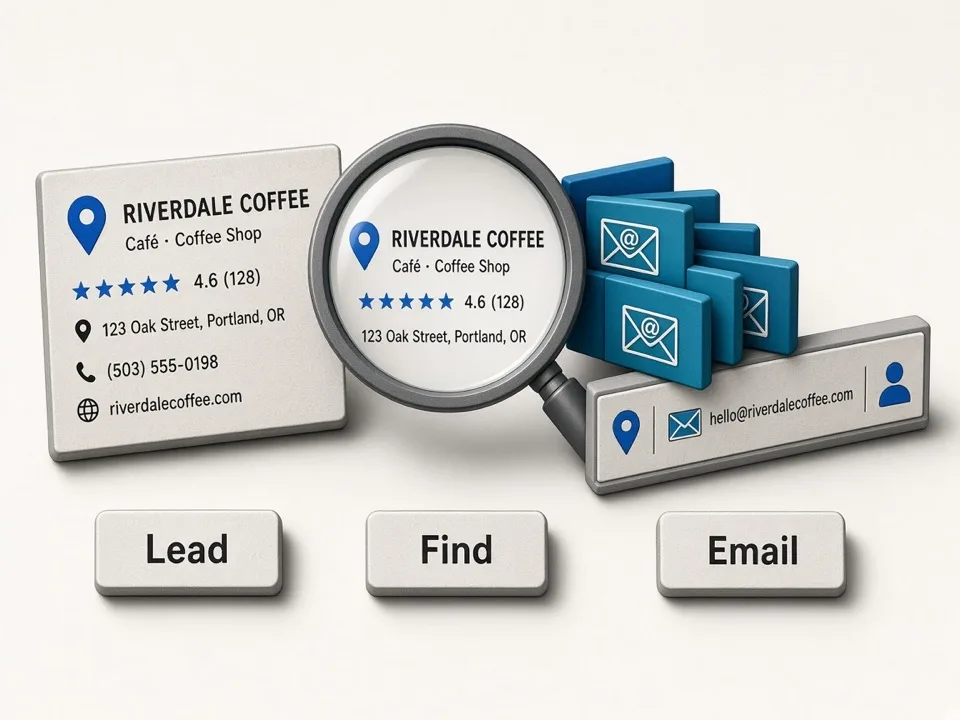
When a place has a website, we fetch public pages for listed emails—same row as phone and Maps fields.
Website-first lookup
No website means no enrichment—never invent a domain.
Public pages only
Contact, about, and footers—not private or purchased lists.
Export-ready columns
Emails sit beside Maps data for one coherent CRM row.
Social enrichment
Google Maps social enrichment on the same row
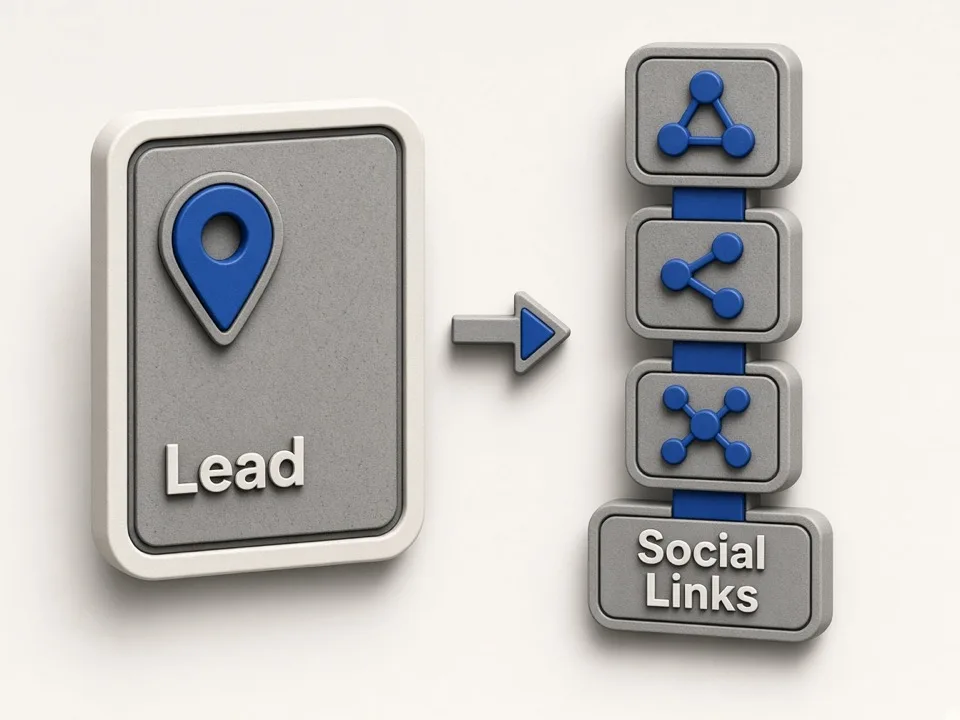
When the site publishes social links, we capture them for multi-channel outreach—not just email.
Multi-network profiles
Facebook, Instagram, YouTube, TikTok, LinkedIn, X when public.
Same enrichment pass
Social URLs found alongside emails—no separate hunt.
Useful when email is missing
Empty email still leaves phone, website, and socials.
Honest coverage
Partial coverage beats fake contacts
Not every local business publishes an email—expect a reply-rate boost, not 100% inboxes.
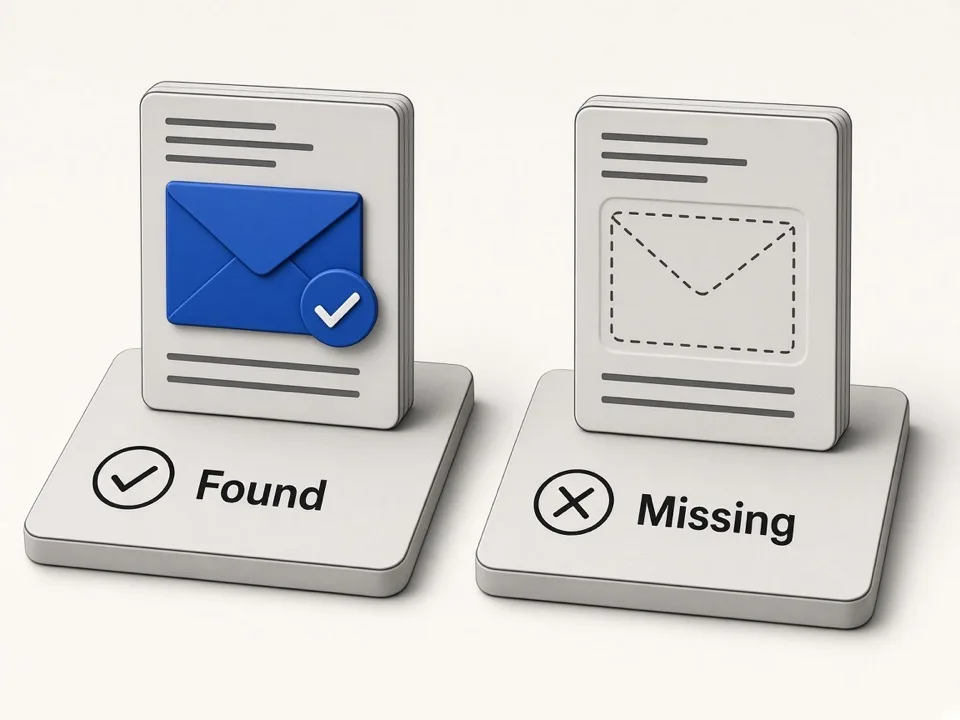
Empty means not found
Blank email or social cells mean nothing public was found.
Never fabricated
No guessed info@ patterns or third-party contact dumps.
Pair with phone & site
Use Maps phone and website when enrichment finds nothing.
Compliance
Public data still has legal and outreach obligations
We return public business details and site-published contacts, but public availability alone does not determine lawful use. Purpose, jurisdiction, legal basis, retention, platform terms, and outreach rules must be assessed separately.
Public business listings
Maps and Bing place fields businesses already publish.
Public website contacts only
Emails and socials on the business’s own public site.
User responsibility
You remain responsible for lawful processing, retention, suppression lists, and every message you send.

Three ways to enrich Maps leads
Same Google Maps email extractor outcome—public emails and socials on the row—different entry points.
Online Google Maps Extractor
Cloud keyword jobs on gmapsleadfinder.com with enrichment and zip export.
Open Online extractorGoogle Maps Extractor
Chrome extension for on-map sessions with email and social enrichment.
Google Maps extensionRelated tools on GMaps Lead Finder
Pair enrichment with extraction, export, and agent workflows.
Online Google Maps Extractor
Paste keywords, run cloud jobs, and download enriched CSV zips.
Start Online searchGoogle Maps Extractor Extension
Chrome extractor for browsing Maps with enrich, reviews, and photos.
Extension pageGoogle Maps Reviews Extractor
Export Google Maps reviews to CSV for reputation workflows.
Open reviewsGoogle Maps Photos Extractor
Export high-res Google Maps photo URLs for creative and research.
Open photosFAQ
Enrich your next Maps list
Run this Google Maps email extractor on Online keyword jobs, or use a Chrome extractor for on-map sessions—with social enrichment on the same row.