
DD → DMS
Lat Long to DMS Converter
Convert decimal latitude and longitude to degrees minutes seconds in one paste. This free DD to DMS converter is for survey forms, printed maps, and anyone who needs classic DMS notation from a Maps pin or CSV.
Paste decimal pairs like 40.7128, -74.0060.
Decimal pins do not match survey and print formats
Google Maps and modern lead CSVs store decimal degrees, but site plans, aviation notes, and many government forms still ask for degrees minutes seconds. Rewriting 40.7128 by hand into 40°42'46.08"N is slow and easy to get wrong—especially under deadline. A lat long to DMS converter gives you reliable DMS strings without a desktop GIS install.
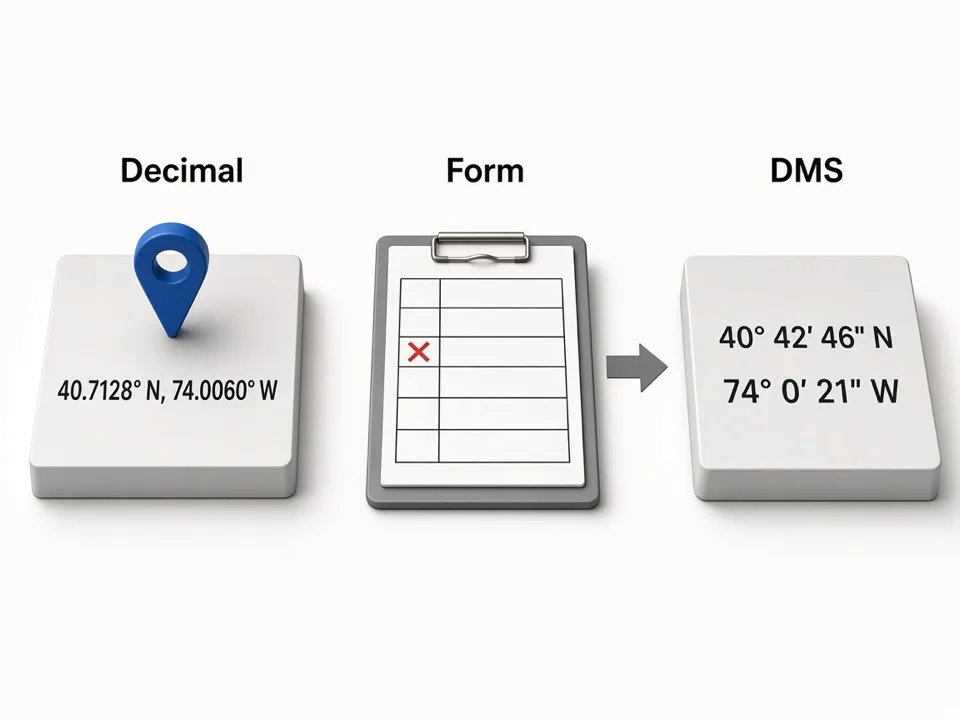
How DD to DMS conversion should work
Paste a decimal pair, get labeled N/S E/W DMS output, then copy lat and lng separately when a form wants split fields.
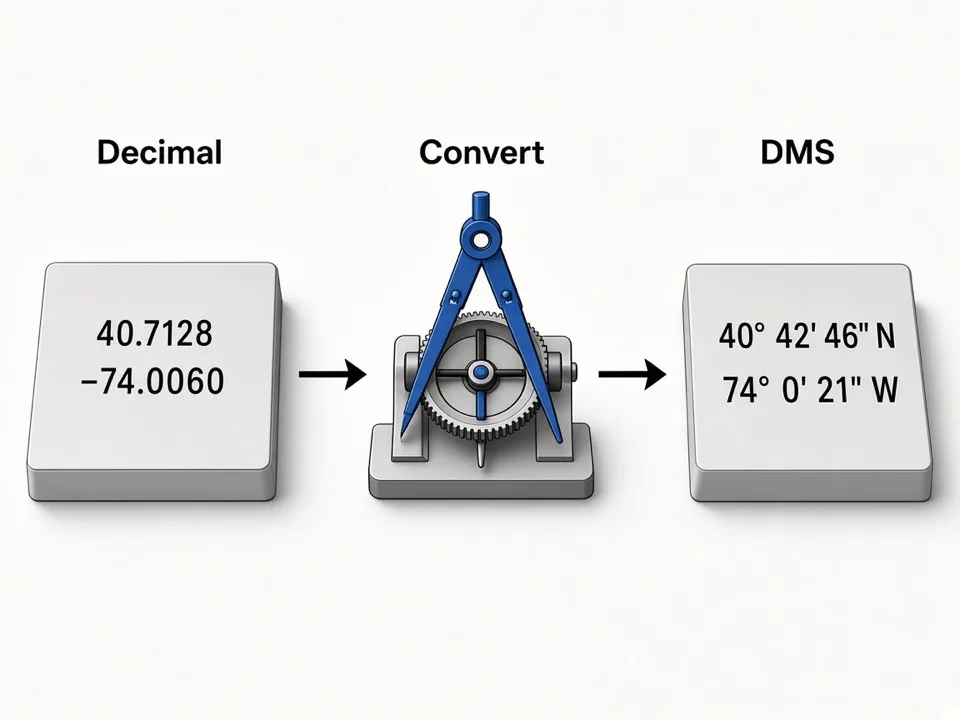
Start from decimal lat long
Use the pair you copied from Maps, a CSV Latitude/Longitude column, or a GPS device exporting decimals.
Emit classic DMS with hemispheres
Output degrees, minutes, and seconds with N/S and E/W so readers never guess the sign.
Keep a Maps check handy
Open the same point in Google Maps to confirm the DMS string still lands on the intended place.
Where DMS strings show up in Maps lead work
Most scraping pipelines stay on decimals. DMS matters when a client, inspector, or print layout demands traditional notation—or when you need to communicate a pin outside a spreadsheet.
Client reports
Translate scraped decimal pins into DMS for slide decks and site packets.
Form fields
Split latitude and longitude DMS when a portal rejects decimal fields.
Round-trip with DD
Flip back to decimal with the DMS to DD converter when you return to CSV or GIS.
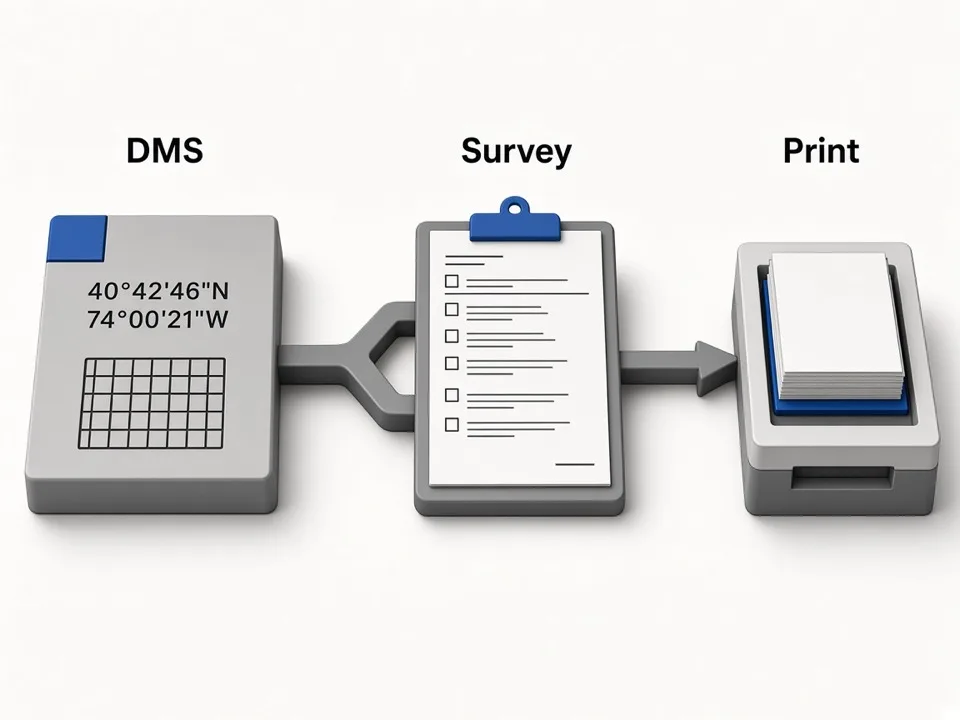
Keep DD → DMS readable and accurate
Small rounding choices change the last seconds digit. Match the precision your audience expects.
Prefer explicit hemispheres
N/S E/W is clearer in print than bare negative longitudes.
Don’t over-round for survey work
Keep fractional seconds when field accuracy matters; round only for display.
Verify on Maps once
A single Maps open catches swapped lat/lng before you paste into a form.
Who it's for
Survey & field teams
Turn GPS decimals into DMS for forms and field sheets.
Agencies & local SEO
Present client locations in classic DMS when reports require it.
Ops exporting Maps data
Convert CSV latitude/longitude columns without spreadsheet formulas.
Use cases
DD to DMS converter
Paste 40.7128, -74.0060 and copy degrees minutes seconds.
Lat long to degrees minutes seconds
Fill print-ready DMS for maps and compliance packets.
Coordinates DMS for handoff
Share a human-readable pin when a teammate will not open a GIS file.
How it works
01
Paste decimal lat long
Enter a comma-separated latitude and longitude pair.
02
Convert to DMS
Read the degrees minutes seconds output with hemispheres.
03
Copy or open Maps
Paste into your form or verify the pin on Google Maps.
What you get
- Free lat long to DMS converter in the browser
- Clear N/S E/W hemisphere labeling
- Separate lat/lng copy fields for forms
- Bidirectional flip to decimal degrees when needed
FAQ
Related free tools
DMS to Decimal Degrees Converter
Convert lat long and degrees-minutes-seconds to decimal degrees for Maps, CSV, and GIS.
Learn morePlace ID & CID Converter
Paste a Google Maps URL to extract Place ID, CID, hex IDs, and review links.
Learn moreBulk Keywords Generator
Build niche × city keyword grids from GBP categories for Google Maps lead scraping.
Learn moreBatch-scrape Google Maps leads next
Paste keyword grids, enrich emails & socials, and export CRM-ready CSV zip with GMaps Lead Finder.