
Octoparse Alternative
Octoparse is a flexible no-code scraper for many websites. GMaps Lead Finder is Maps-native: keyword leads, enrichment, extension, and Agent/API on Online credits—without building cloud tasks.
Why Maps teams look past Octoparse
Template scrapers work until Maps markup shifts or you need enrichment and agent automation in one product.
Task maintenance
Custom or template tasks can break when pages change; lead SaaS hides that complexity.
Cloud plan price floor
Paid cloud plans start around $69/mo—higher than Maps-specialized starter tiers for similar lead volume.
Missing Maps extension
Operators on Google Maps often prefer an extension over a separate desktop/cloud scraper UI.
As of research: Free (local limits), Standard from ~$69/mo, Professional ~$249/mo—with task, concurrency, and cloud feature gates.
| Capability | GMaps Lead Finder | Octoparse |
|---|---|---|
Google Maps lead lists | yes | partial |
Email / social enrichment | yes | no |
Web product UI | yes | partial |
Browser extension | yes | no |
Agent / HTTP API | yes | partial |
Shared web + API credits | yes | no |
DIY / general scraping | no | yes |
Official Google Maps Platform | no | no |
| Dimension | Octoparse | GMaps Lead Finder |
|---|---|---|
| Model | Subscription by tasks / cloud concurrency | Monthly place credits |
| Entry paid | From ~$69/mo | Starter $19/mo |
| API | Data export API on higher plans | Growth+ Agent MCP & HTTP |
| Enrichment | Not Maps-native enrichment | Email & social on paid plans |
Features
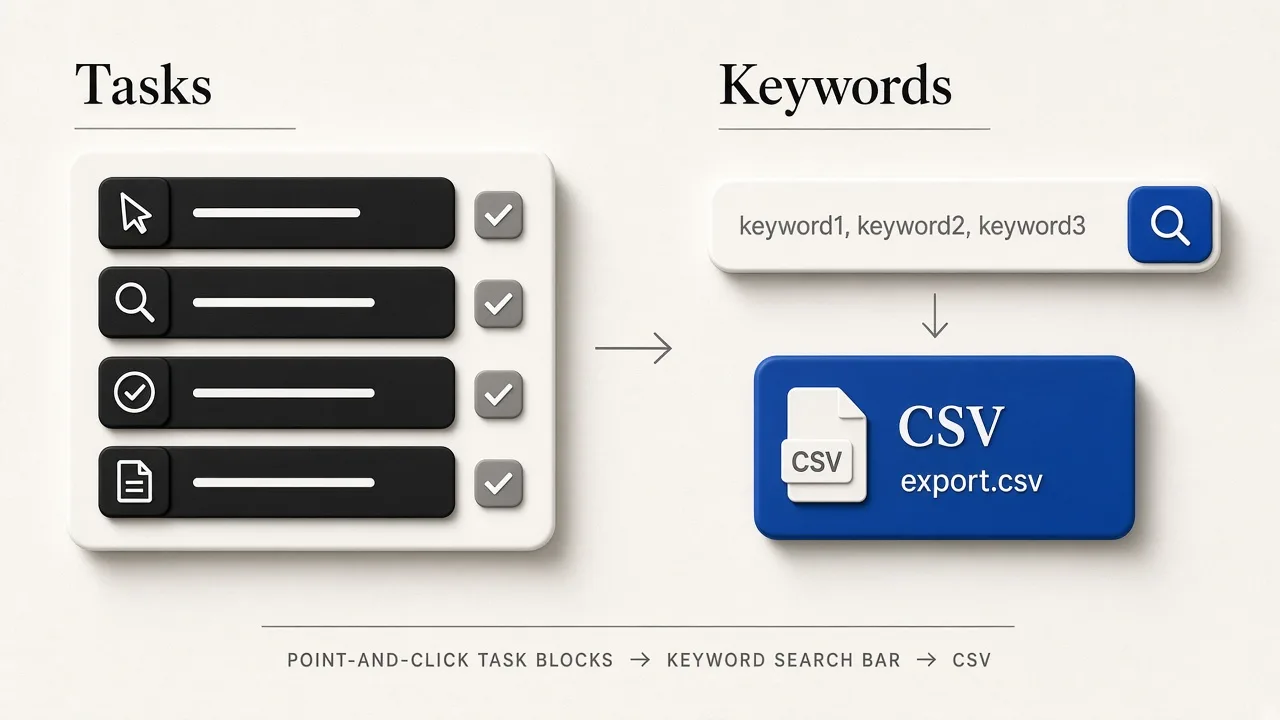
Octoparse teaches a scraper workflow: select elements, run tasks, export. It can touch Maps-like pages via templates, but Maps lead packaging is not the core product.
Keyword in → places out, with enrichment and multi-surface delivery (web, extension, agents).
Use Octoparse for general no-code scraping; use us for Maps lead lists.
Pricing
Cloud value is tied to tasks and concurrency, not place counts.
Starter $19 and Growth $49 map cleanly to monthly place volume and API access.
Maps-only buyers usually pay less complexity—and often less—on place credits.
Ease of use
Friendly once you learn the task builder; still a scraper mental model.
No XPath. Enter keywords like you search Maps.
SDRs prefer keyword UX; scrapers prefer Octoparse.
Surfaces
Desktop + cloud console. Export APIs exist on higher tiers.
Web + Chrome extension + Agent/MCP with shared Online credits.
Extension + agent combo is a differentiator for Maps operators.
UX
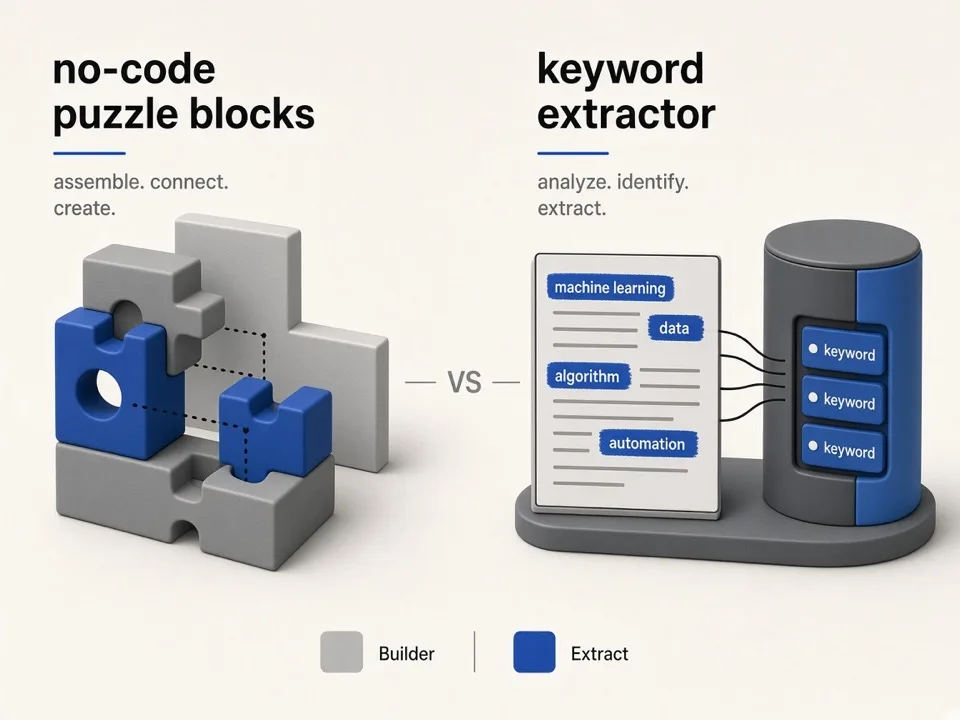
Task builder vs keyword extractor
If your weekly motion is “city × niche → CSV,” a lead extractor removes template upkeep.
Templates
Octoparse wins when every site is different.
Maps rhythm
We optimize the repeated local-lead loop.
Extension
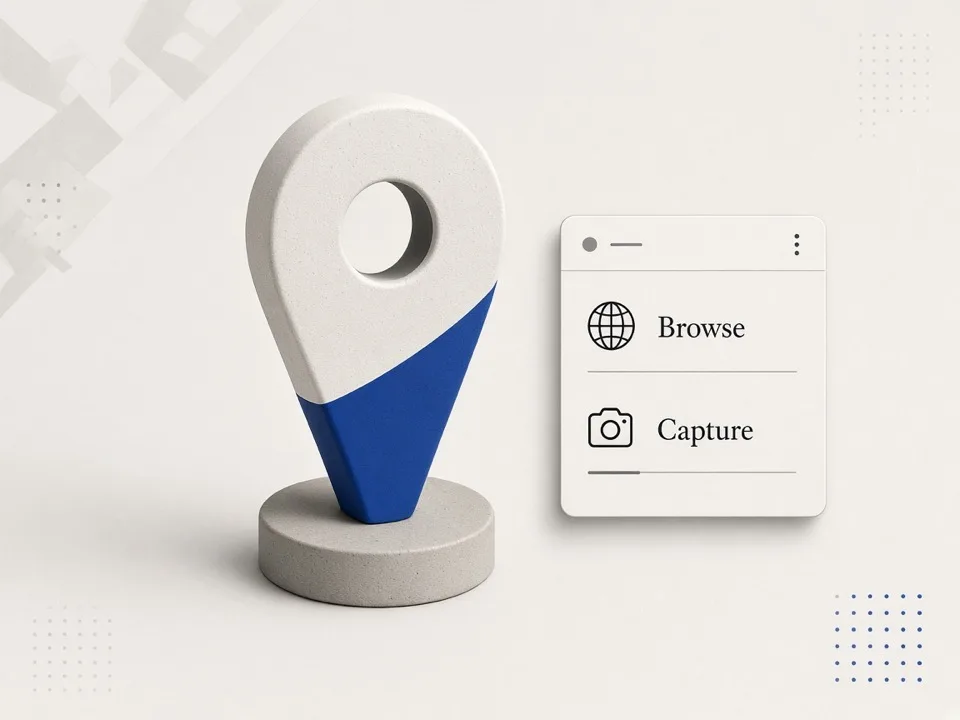
Capture where you already browse
Chrome extensions keep Maps research in-browser instead of mirroring pages into a scraper.
Browse + export
Use the extension when exploring Maps manually.
Bulk Online
Push large keyword batches through the web extractor.
Who should keep Octoparse
Stay if no-code multi-site scraping is the job.
- •You scrape ecommerce, directories, and Maps occasionally
- •Your team already maintains Octoparse tasks
- •You need desktop-local runs
Who should choose GMaps Lead Finder
Choose us for Maps-first lead production.
- •Local SEO and outreach agencies
- •Teams wanting enrichment without extra tools
- •Buyers who need Agent/MCP on Growth+
Leaving Maps templates behind
Export historical CSVs if needed, then recreate searches as Online keywords.
01
Inventory keywords
List the queries your tasks targeted.
02
Trial Online
Use free credits to compare row quality.
03
Add extension
Install the Chrome extension for ad-hoc Maps sessions.
One product, three entrances
Web, extension, and Agent/API
Online web jobs and Agent/MCP/HTTP share the same monthly credits on Growth+. Chrome extension quotas stay separate.
Related alternatives
Compare other tools teams evaluate alongside this one.
Apify alternative
General Actor platform—great breadth, heavier than a Maps lead SaaS.
CompareScrap.io alternative
Direct Maps lead SaaS peer—compare price, geo filters, and extensions.
CompareOutscraper alternative
PAYG Maps API—flexible bursts; we package AI-assisted lead research on monthly credits.
CompareHasData alternative
Maps APIs + scrapers + MCP—builder-focused, multi-vertical.
Compare
FAQ
Try GMaps Lead Finder as a Octoparse alternative
Start with free lifetime credits, then upgrade when enrichment or Agent API matters.