
GMaps Lead Finder
Google Maps Scraper
Batch-scrape Google Maps leads—phones, websites, emails & socials—with this Google Maps Scraper (Online Google Maps Extractor).
- No card required
- Batch keyword scraping
- Emails & socials included
How this Google Maps Scraper works
Three steps from a keyword batch to outreach-ready Google Maps leads.
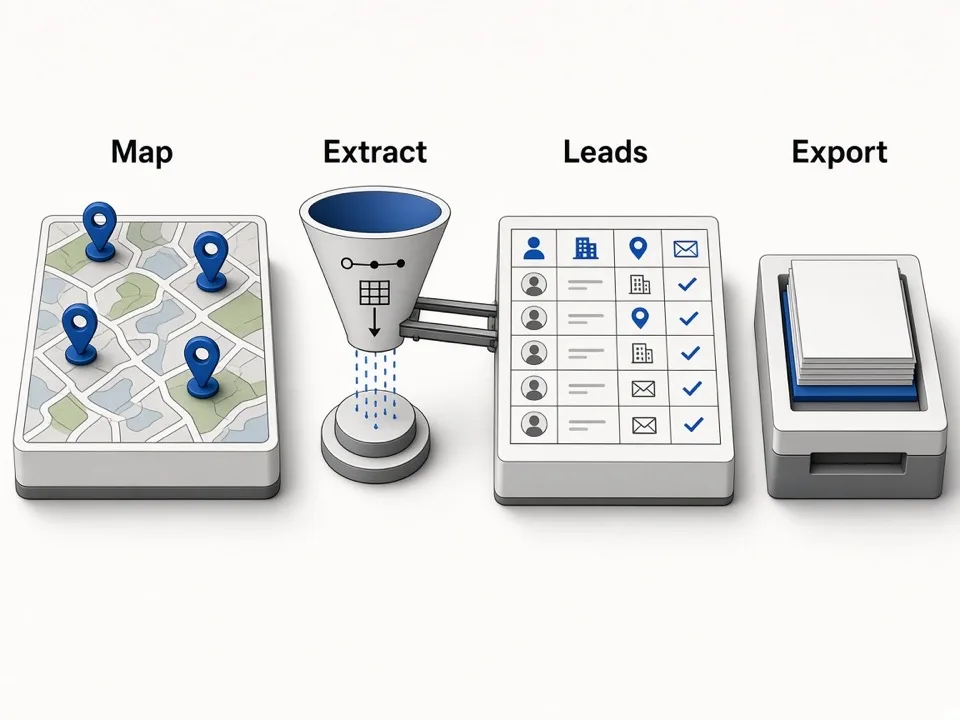
Paste a batch of keywords
One search per line—pair a city with a category. Run the whole list as one Google Maps Extractor job.
We scrape Maps pages
Place rows collect as we paginate each keyword—names, phones, websites, and more from public Maps listings.
Enrich & export
We enrich each place with public emails and socials, then export a CSV zip—one file per keyword.
Choose the right Google Maps lead workflow
Use Online for cloud keyword batches, Extractor for bulk work while browsing Maps, Leads Finder for one business, or Agents for MCP and HTTP automation.
Online Google Maps Extractor
Batch keywords, a Lead list, CSV zip, enrichment, and agent API in the browser.
Start a searchGoogle Maps Extractor
Extract while you browse Maps—reviews, photos, and bulk lists in Chrome.
Install Google Maps ExtractorGoogle Maps Leads Finder
Single-place panel on Maps for quick contact and social copy.
See Leads FinderAgents / MCP & API
Run one-keyword jobs from Claude, Cursor, Codex, or your own script using the hosted pipeline.
Connect an agentBatch keywords
Run a Google Maps Scraper across a whole keyword list
Paste one keyword per line—city × niche grids—and let the Extractor queue and scrape each query.
Multi-keyword paste
One job, one keyword per line.
Per-keyword progress
Each query paginates Maps into place rows.
Lead list
Reopen finished batches and re-download zips.
Website emails
Enrich scraped Maps leads with public website emails
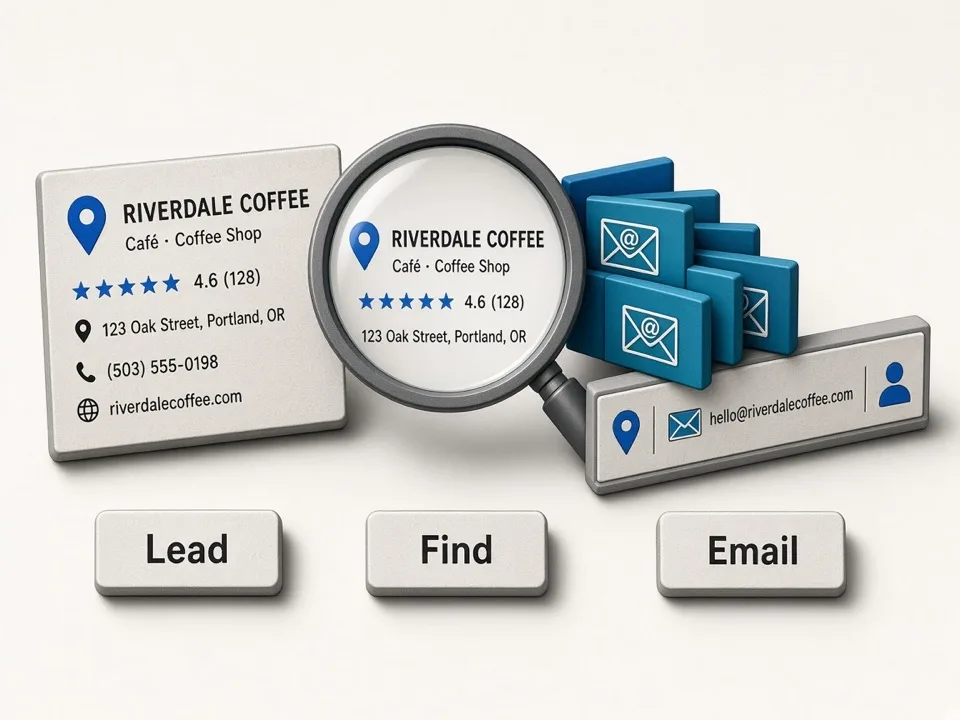
After place rows land, we scan business sites for public contact emails.
Site-based discovery
Public emails from the business website URL.
Batch-aware enrichment
Runs across places your keyword batch scraped.
Honest empty cells
No public email means an empty cell—never invented.
Social profiles
Pull social links from the same Maps lead pipeline
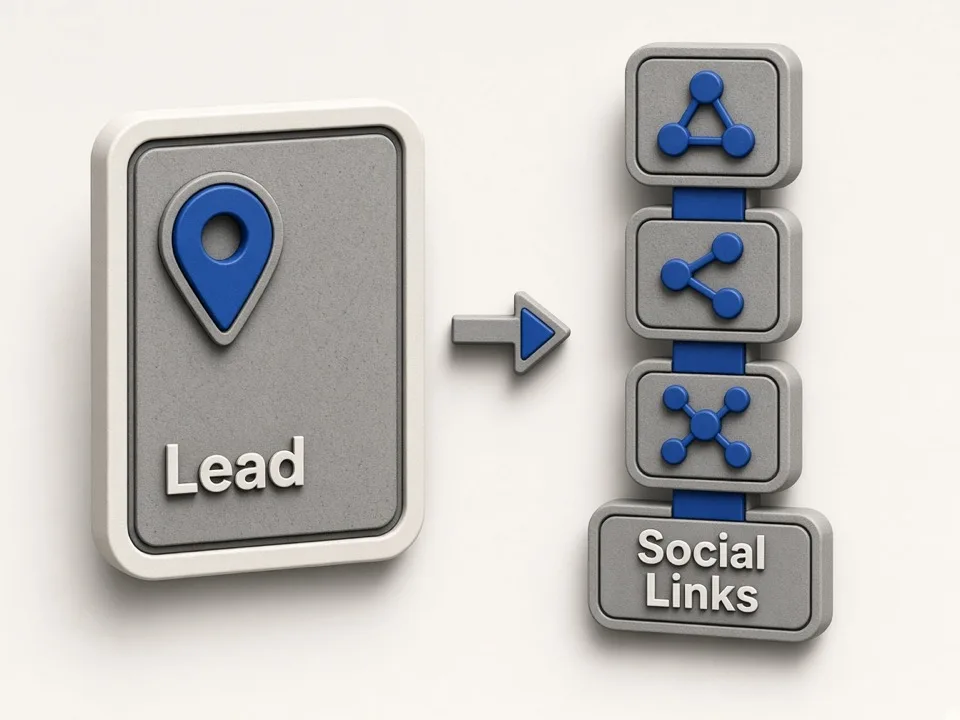
When the business site links Instagram, Facebook, LinkedIn, and more, we capture them on the same row.
Linked from the site
Only social URLs the business already publishes.
Common networks
Facebook, Instagram, LinkedIn, YouTube, TikTok, X.
Same row as the place
Socials sit next to name, phone, and website.
CSV / ZIP export
Export a Google Maps scraper zip—one CSV per keyword
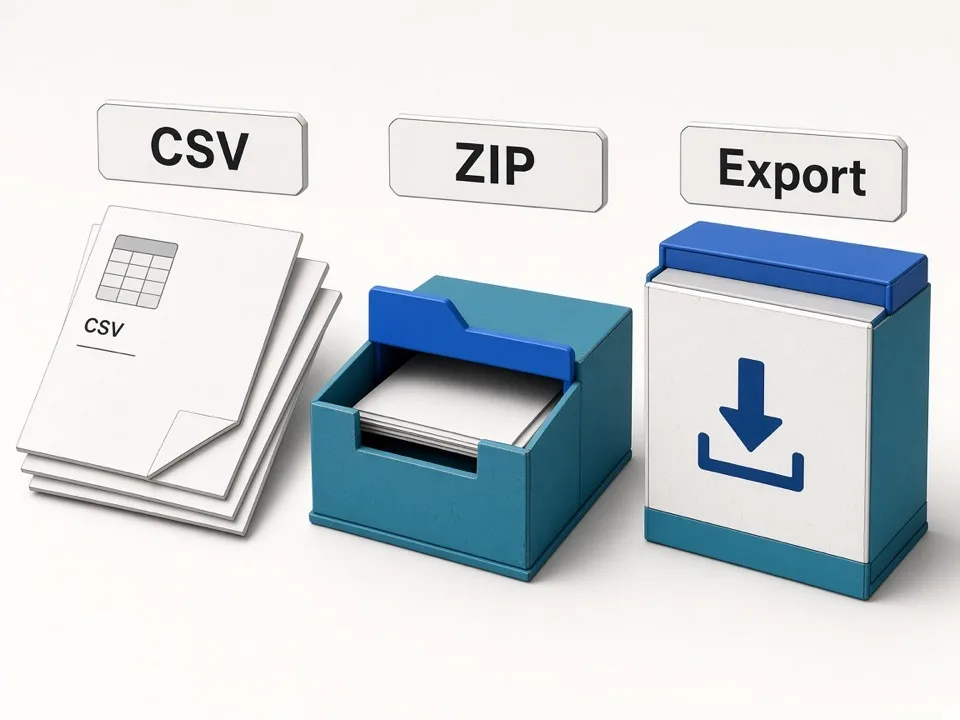
Download a zip where each keyword is its own CSV for CRM, Sheets, or territory folders.
One file per keyword
Clean city × niche splits—not one mixed sheet.
CRM-ready columns
Name, phone, website, email, socials, Maps URL.
Re-download from history
Signed-in jobs keep a Lead list for re-pulls.
Fields you can export
Structured Google Maps lead columns for CRM and outreach—not a raw HTML dump.
| Field | What you get |
|---|---|
| Name | Business name as shown on Google Maps. |
| Full address / Street / Municipality | Human-readable address parts for filtering and mail merge. |
| Phone / Phones | Primary and additional public phone numbers when listed. |
| Website / Domain | Business homepage and domain for enrichment and outreach. |
| Categories / Rating / Reviews | GMB categories, average rating, and review count. |
| Claimed | Whether the Google listing appears claimed. |
| Emails | Public emails found on the business website. |
| Social links | Facebook, Instagram, LinkedIn, YouTube, TikTok, X/Twitter when linked from the site. |
| Place Id | Stable Google Place Id for dedupe and re-lookup. See Place ID. |
| Cid | Google customer/place CID used in some Maps deep links. See CID. |
| Fid | Internal feature id pair (business_id) used alongside CID. See Fid / business_id. |
| Maps URL / Coordinates | Google Maps URL, latitude, and longitude. |
| Opening hours / Featured image | Hours and featured photo URL when available. |
| Search keyword | The keyword that produced the row—useful for multi-keyword zips. |
Download a sample CSV to preview real export headers.
Works with the agents you already use
- Claude Code
- Cursor
- Codex
- Claude Desktop
- Any MCP client
Agents / MCP
Call the same Google Maps Extractor from Claude, Cursor, or Codex
Connect with your Online key via MCP or API—scrape and enrich Maps leads from the agent chat.
Personal API key
Sign in, copy a key, paste into your agent.
MCP & HTTP
MCP where supported, or the same pipeline over HTTP.
Online plan quotas
Agent runs use the same Online credits as the web UI.
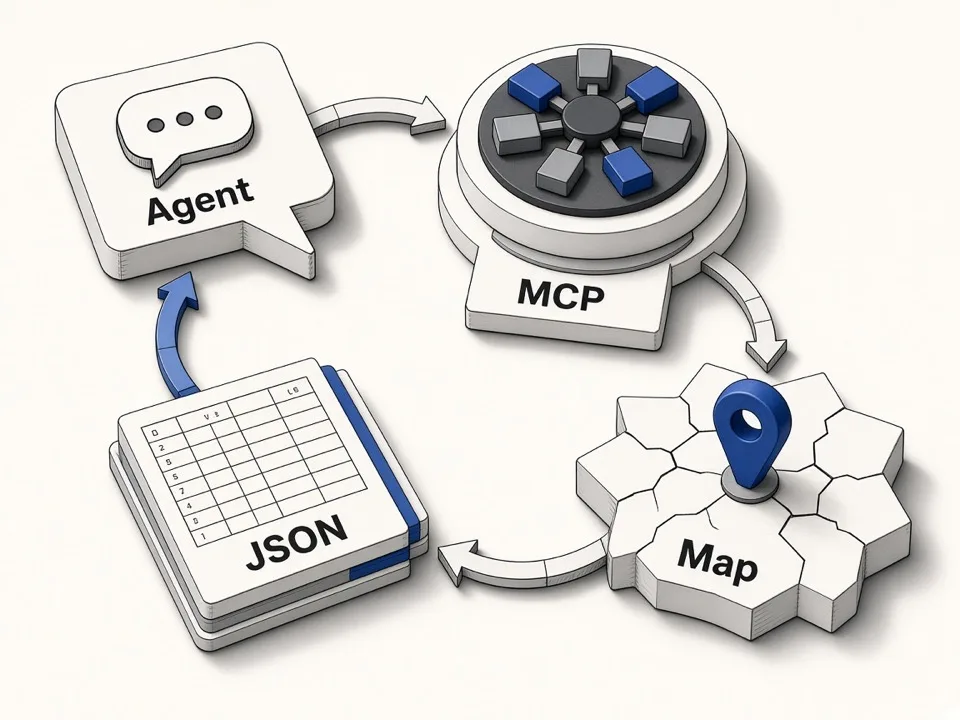
Same leads, agent workflows
Keep prospecting inside your agent—same Maps lead JSON
Ask for a city × niche list, get structured Maps leads back, and continue in the same thread.
Structured output
JSON with names, phones, websites, emails, socials.
Batch-friendly prompts
Multi-keyword scrapes like the web keyword list.
One product, two surfaces
Web Extractor and Agents share the same pipeline.
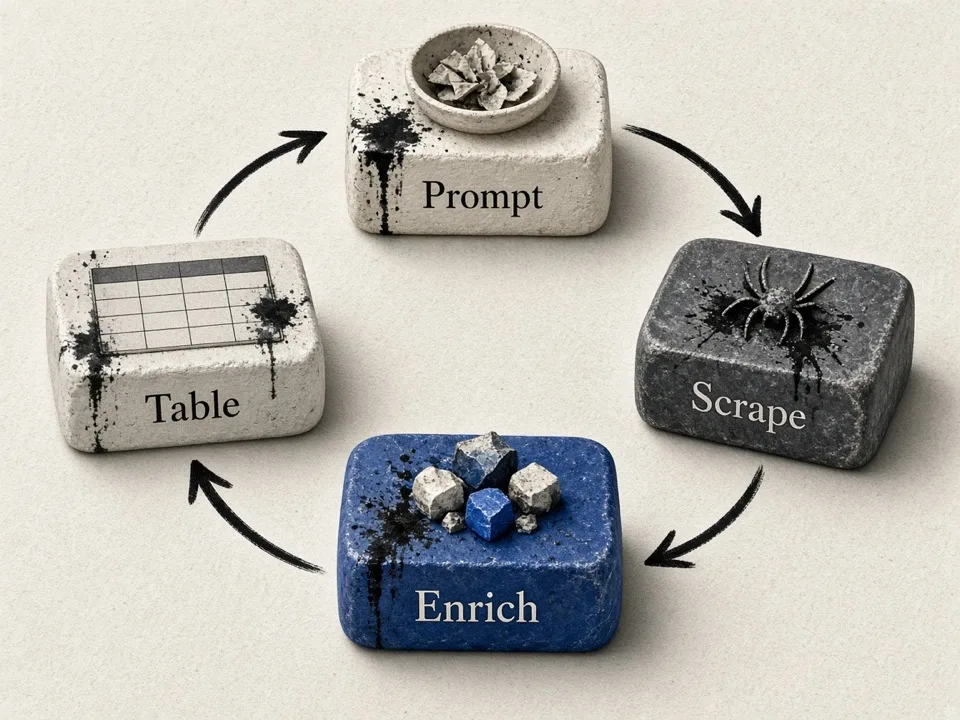
Built for teams who need a Google Maps Scraper
Same pain in different shapes: place names and phones without a way to message—until you scrape and enrich.
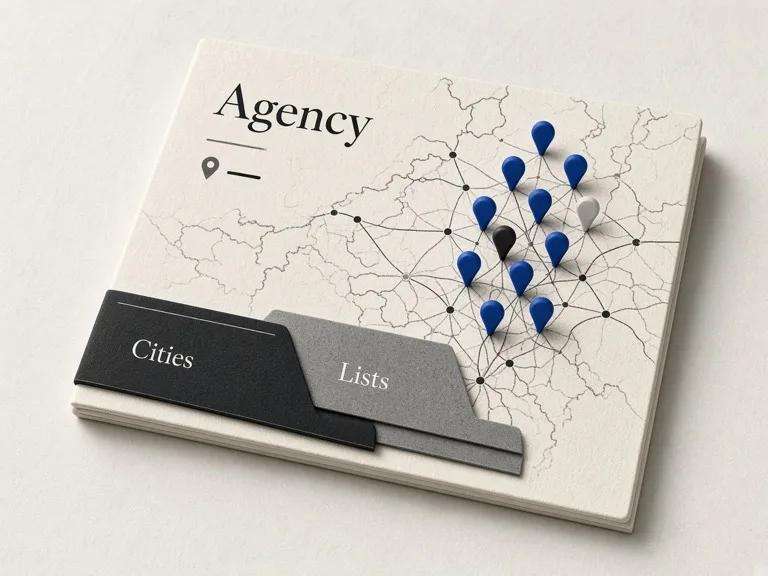
Local agency prospecting
You need dentists, salons, or HVAC in one metro—fast—without hand-copying Maps.
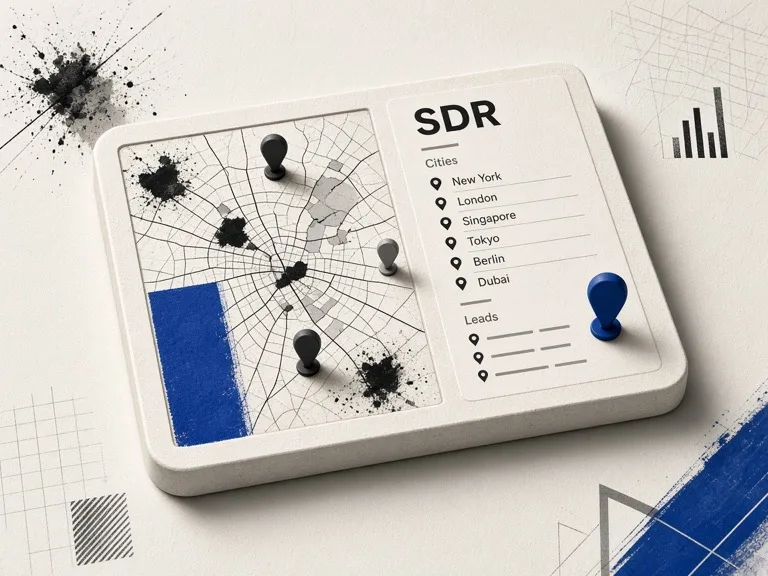
SDR city grids
Weekly keyword batches across cities stall when every row still needs email research.
Lists missing contacts
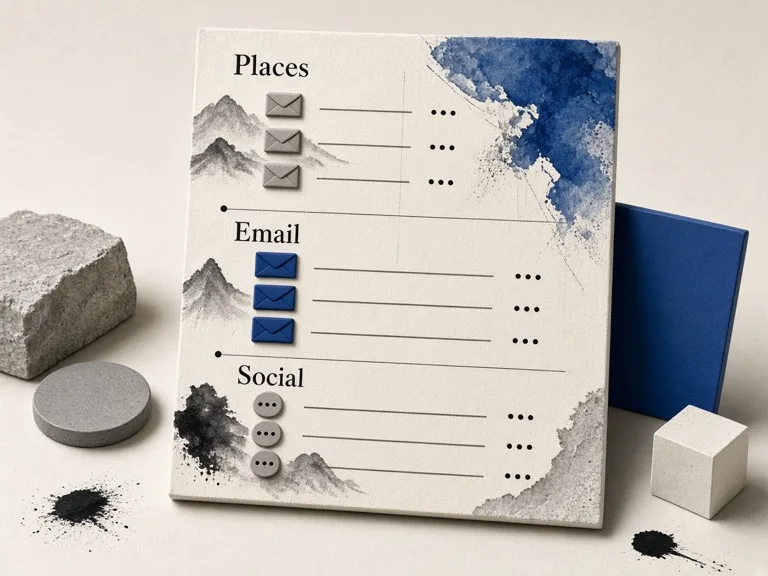
You already have places; what you lack is website emails and social handles for outreach.
SEO & GBP agencies
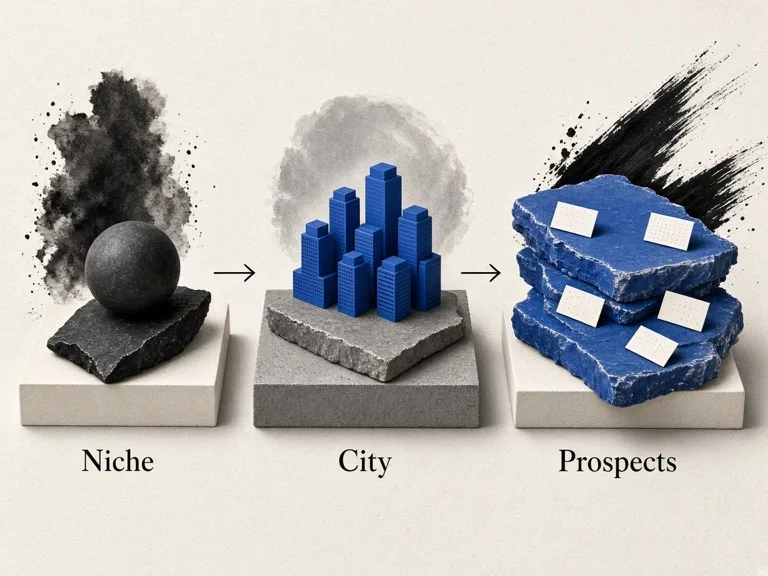
Build client prospect lists by niche and city, then pitch with real phones, sites, and emails.

Territory & franchise rolls
Map competitors or target categories across territories before you assign reps or open a unit.
Niche validation
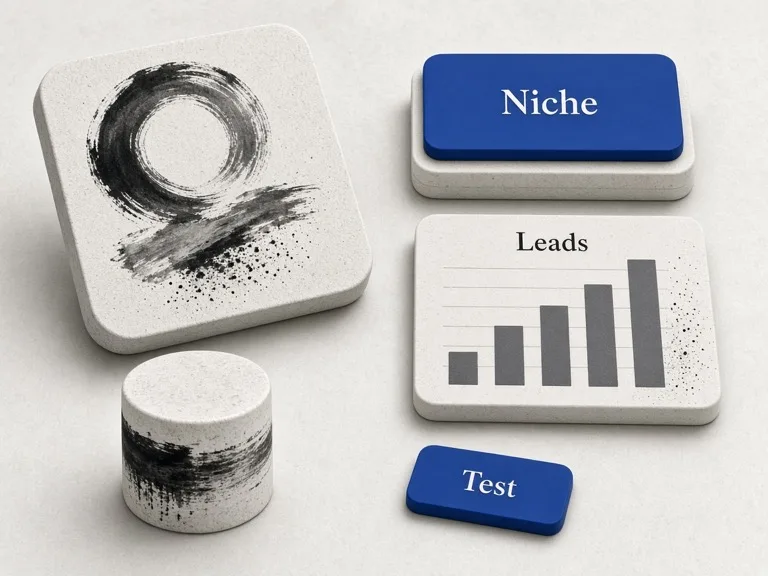
Test whether a category has enough outreach-ready leads before you hire SDRs or buy ads.
Google Maps Scraper pricing
Online (cloud) plans for batch keyword scrapes, enrichment, CSV zip, and agents.
Free
$0
Lifetime starter credits to try the Google Maps Extractor.
Up to 2 keywords per job
Starter
Monthly
For regular Google Maps lead pulls and enrichment.
CSV zip + Lead list
Volume
Scale
Match monthly Maps volume; higher tiers include agent MCP & API.
Agent MCP included
Guides for Maps lead research
How-tos, free-tier details, and scraper alternatives—written for SDRs, agencies, and builders.
Tutorial
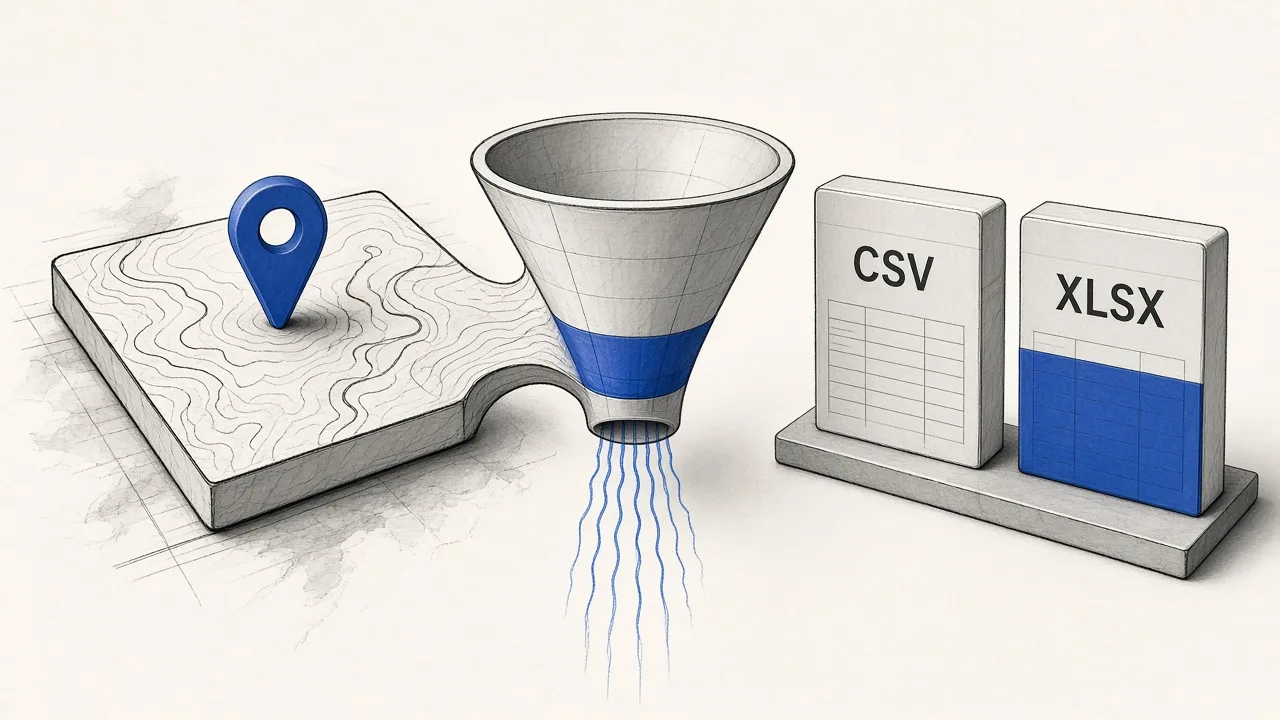
How to Scrape Google Maps Data for Lead Lists (2026)
Turn a city × niche keyword into a CSV of public business listings.
Read guide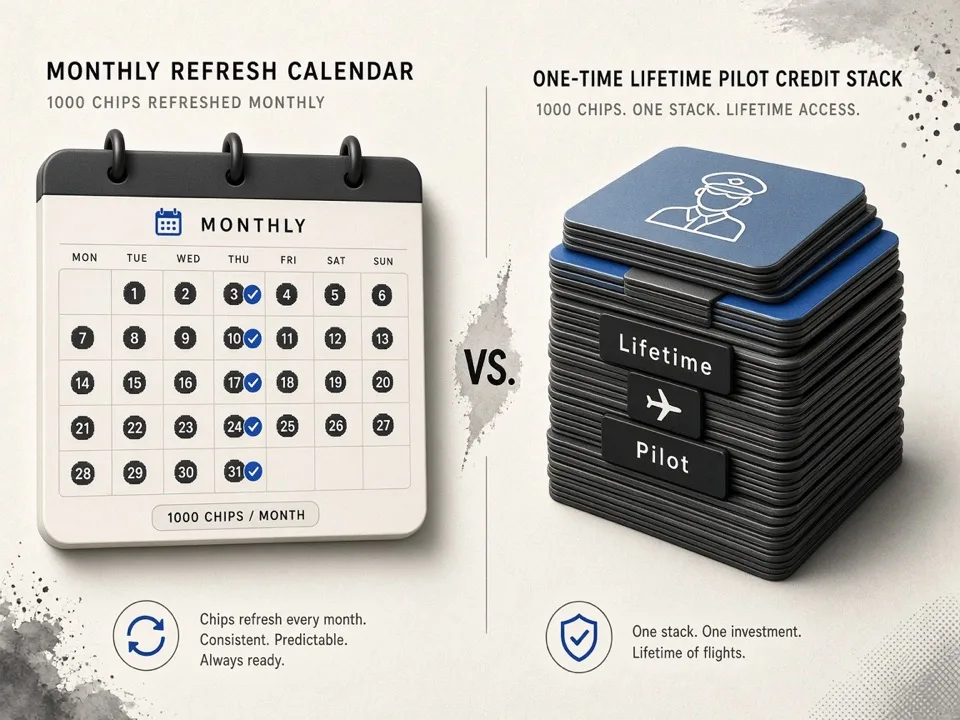
Free tier
Free Google Maps Scraper in 2026: What You Get
500 lifetime credits, free tools, and clear paid unlocks—no fake forever free.
Read guide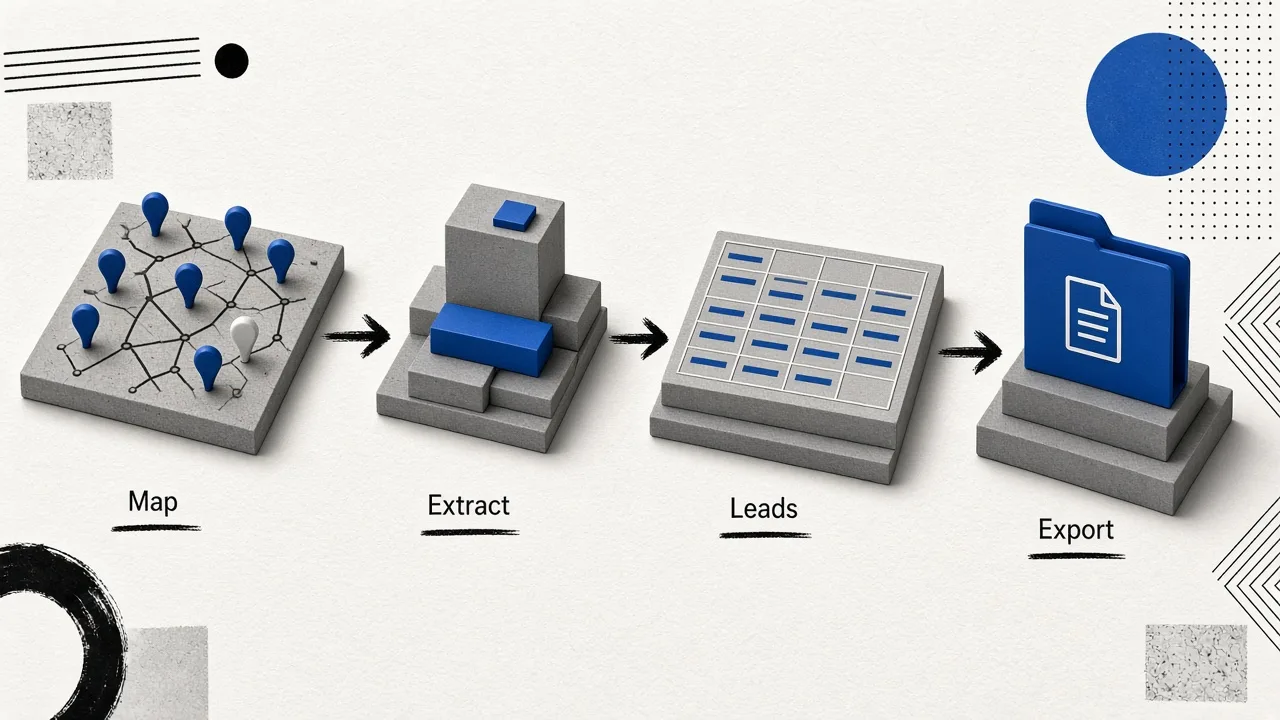
Curation
Google Maps Scraper Alternatives (2026 Guide)
Selection criteria and scenario picks—then dive into full vendor comparisons.
Read guide
FAQ
Start scraping with Google Maps Extractor
Paste a keyword batch, enrich emails & socials, export CSV zip—or connect the same Google Maps Scraper pipeline to your agent.